
Meetings without the awkward +1
Meetings without the awkward +1
Meetings without the awkward +1
The bot-free AI notetaker that keeps meetings human
The bot-free AI notetaker that keeps meetings human
The bot-free AI notetaker that keeps meetings human
Radiant captures your calls automatically from your Mac. No bots, no browser tabs, and no data leaving your device. Every meeting stays private, natural, and interruption-free.
Radiant captures your calls automatically from your Mac. No bots, no browser tabs, and no data leaving your device. Every meeting stays private, natural, and interruption-free.
Radiant captures your calls automatically from your Mac. No bots, no browser tabs, and no data leaving your device. Every meeting stays private, natural, and interruption-free.
Radiant is a desktop-only app. Get a link via email now to download and use it for free on your computer.
Radiant is free and unlimited during beta.
Radiant is free and unlimited during beta.
Get it now before beta ends!
Get it now before beta ends!
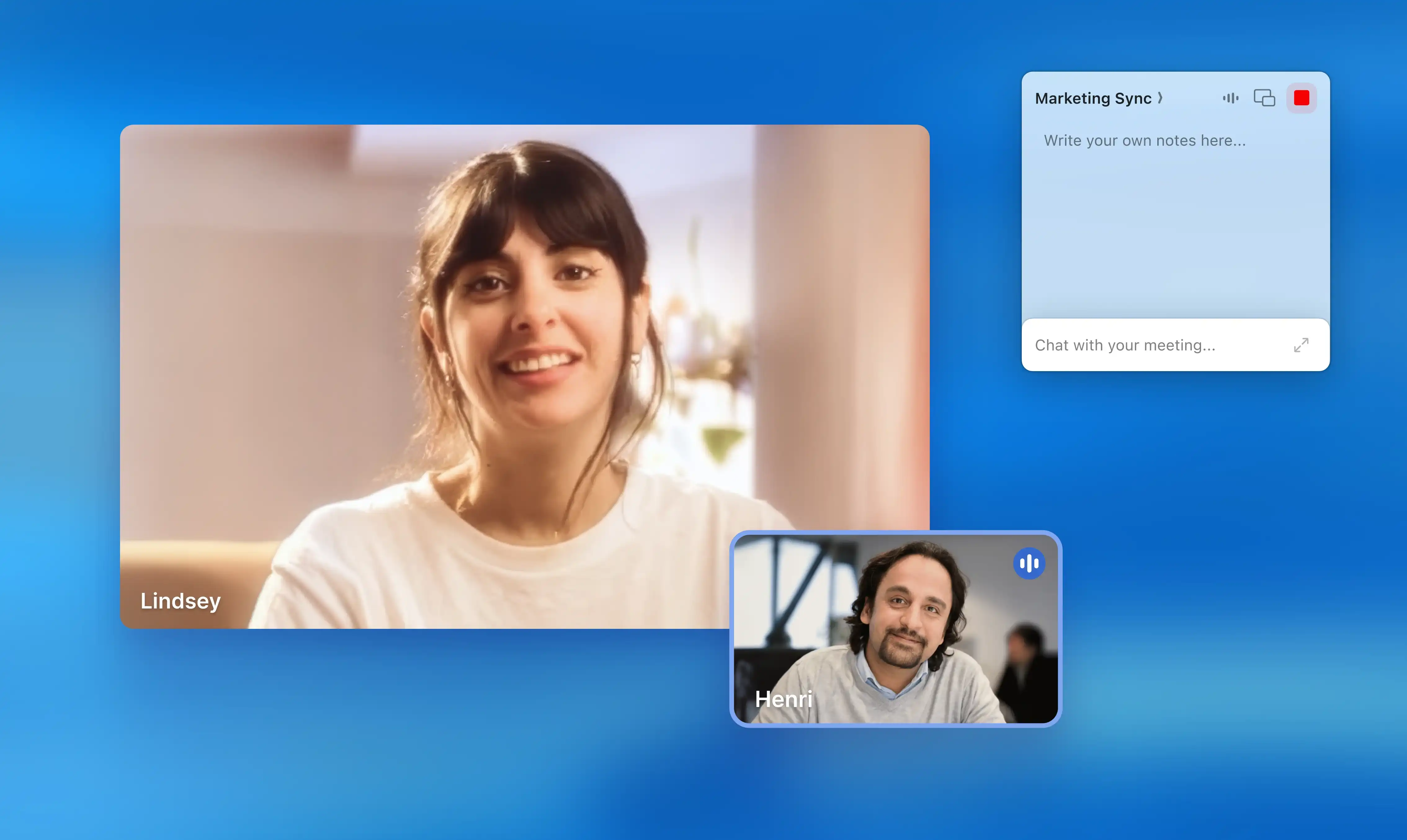
How Radiant keeps meetings natural
How Radiant keeps meetings natural
Download and set up Radiant for Mac
After you install Radiant, onboarding takes under a minute. Connect your calendar so it can recognize upcoming meetings, then let it run quietly in the background. No bots to invite. No links to share.
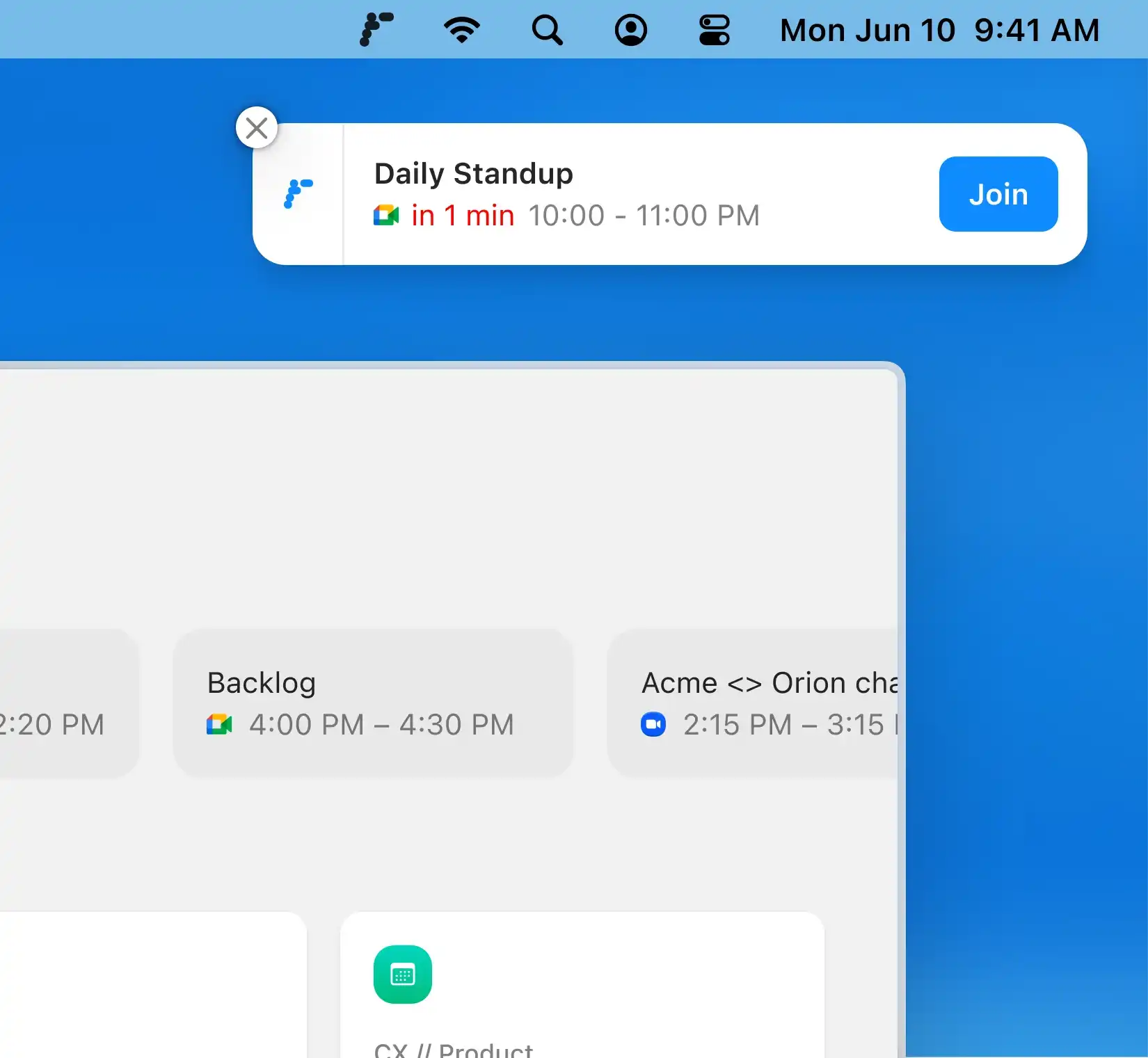
Download and set up Radiant for Mac
After you install Radiant, onboarding takes under a minute. Connect your calendar so it can recognize upcoming meetings, then let it run quietly in the background. No bots to invite. No links to share.

Capture meetings naturally
Radiant detects when your mic and audio are active, whether you’re in Zoom, Google Meet, Teams, or an in-person discussion. It captures your meeting automatically.
Capture meetings naturally
Radiant detects when your mic and audio are active, whether you’re in Zoom, Google Meet, Teams, or an in-person discussion. It captures your meeting automatically.
Review your notes instantly
Once the meeting ends, Radiant opens automatically with your transcript, summary, and next steps. You’ll see what was said, who said it, and what’s next, all without ever having to press record.
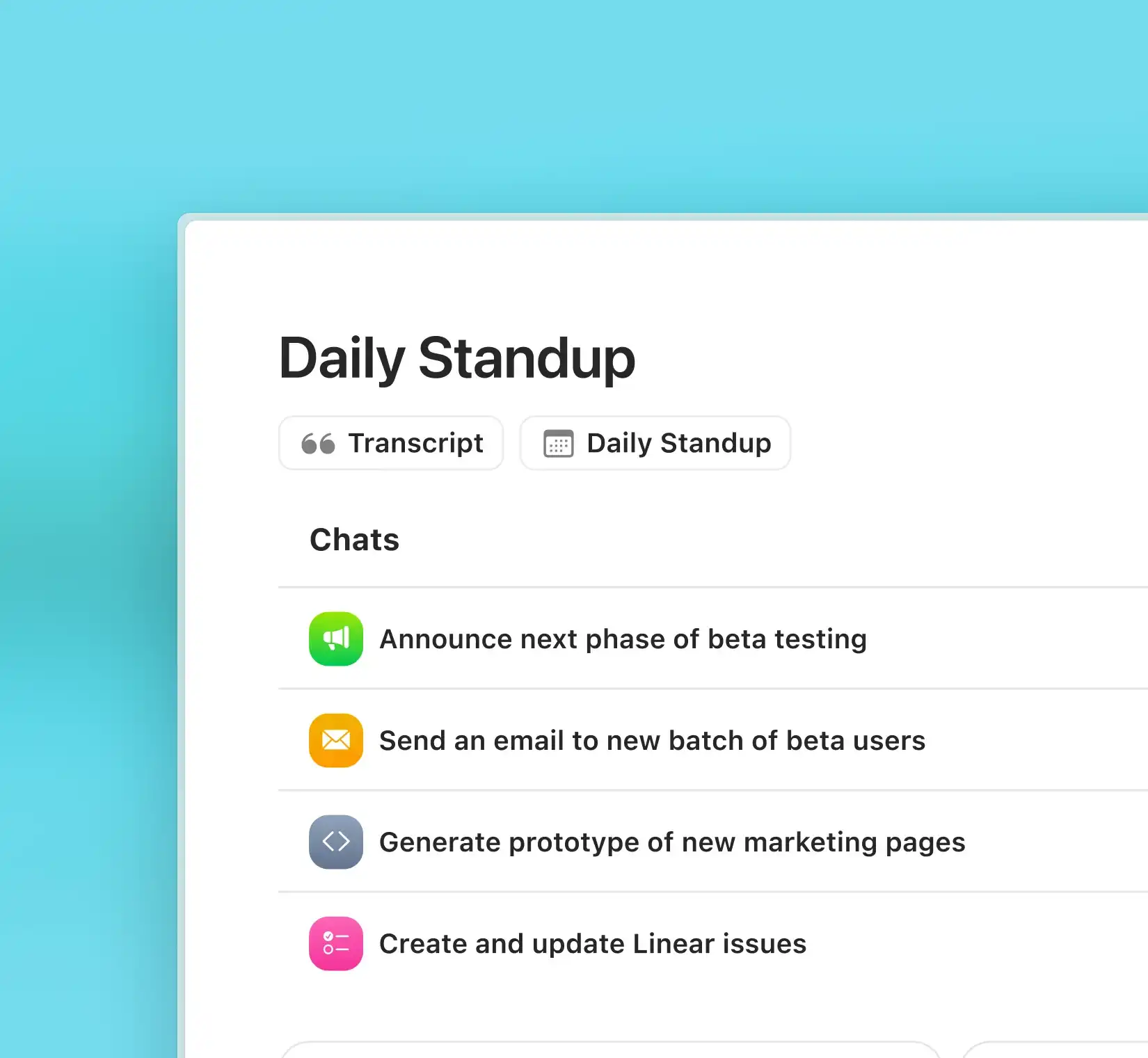
Review your notes instantly
Once the meeting ends, Radiant opens automatically with your transcript, summary, and next steps. You’ll see what was said, who said it, and what’s next, all without ever having to press record.
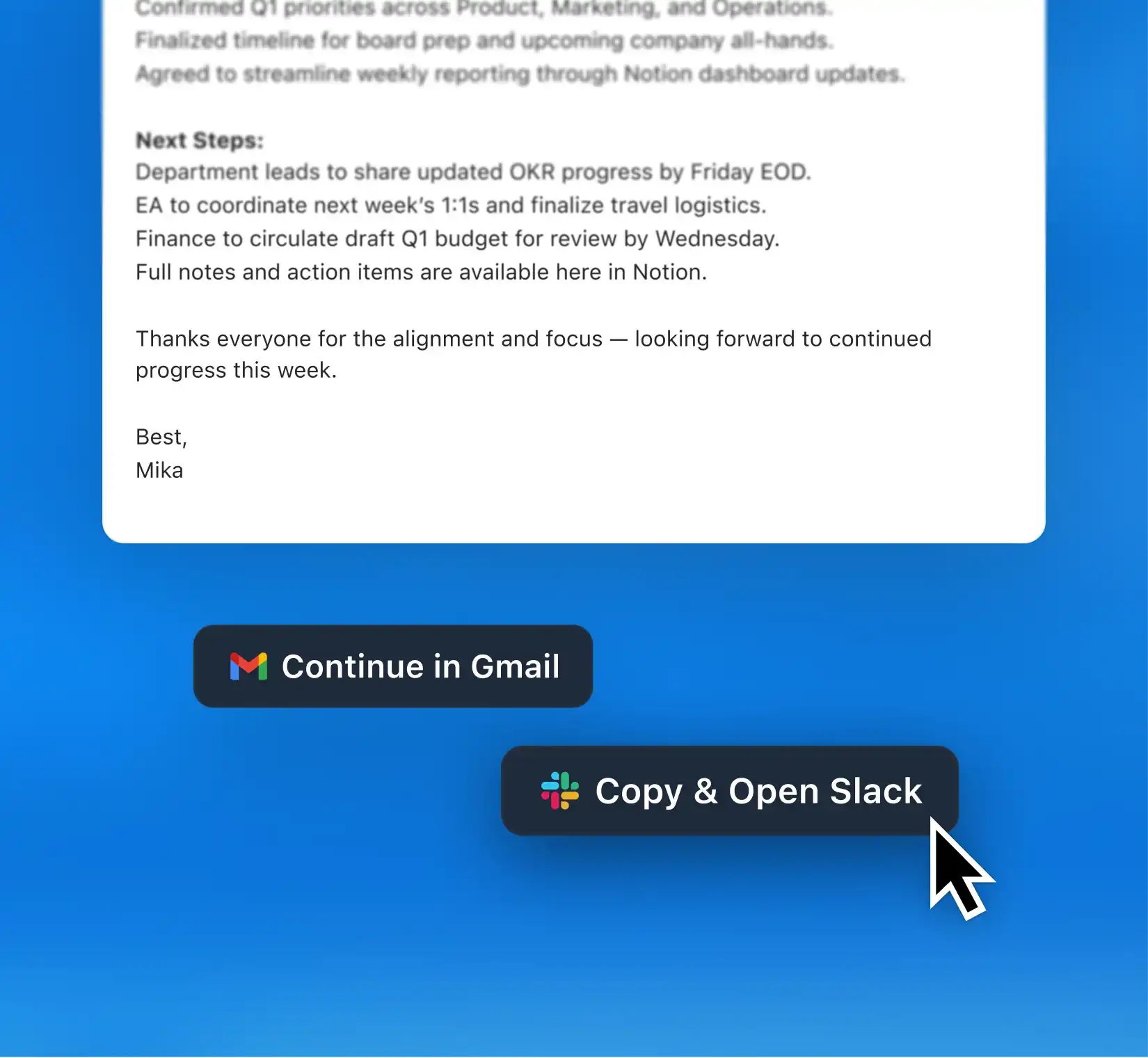
Act on meeting next steps quickly
When Radiant suggests a draft, click “Copy to Gmail,” “Copy to Slack,” or “Copy to Google Docs.” You can refine and send the message in seconds, keeping your meeting flow intact and your day moving.
Act on meeting next steps quickly
When Radiant suggests a draft, click “Copy to Gmail,” “Copy to Slack,” or “Copy to Google Docs.” You can refine and send the message in seconds, keeping your meeting flow intact and your day moving.
Made for the way you work


“Radiant has been a great support tool for staying organized during calls and huddles. The way it structures outputs really fits how I like to work: clear, concise, and easy to share with my Viva colleagues.”

Andrea Ríos, Senior Executive Assistant
“Radiant has been a great support tool for staying organized during calls and huddles. The way it structures outputs really fits how I like to work: clear, concise, and easy to share with my Viva colleagues.”
Andrea Ríos, Senior Executive Assistant
“Radiant has been a great support tool for staying organized during calls and huddles. The way it structures outputs really fits how I like to work: clear, concise, and easy to share with my Viva colleagues.”
Andrea Ríos, Senior Executive Assistant
FAQs

Will people in my meeting know Radiant is capturing notes?
Will people in my meeting know Radiant is capturing notes?
Will people in my meeting know Radiant is capturing notes?
Can Radiant capture all types of meetings?
Can Radiant capture all types of meetings?
Can Radiant capture all types of meetings?
How does Radiant know when to start capturing if it doesn’t join my calls?
How does Radiant know when to start capturing if it doesn’t join my calls?
How does Radiant know when to start capturing if it doesn’t join my calls?
Does Radiant record video or screen content?
Does Radiant record video or screen content?
Does Radiant record video or screen content?

Bots ≠ better notes
Keep your calls focused while your Mac captures clear summaries and next steps.