
Recall. Comprehend. Act.
Recall. Comprehend. Act.
Recall. Comprehend. Act.
AI conversation intelligence that remembers, reasons, and responds
AI conversation intelligence that remembers, reasons, and responds
AI conversation intelligence that remembers, reasons, and responds
Radiant remembers every meeting so you don’t have to. Chat with your AI assistant about past conversations, recall key context instantly, then it completes follow-ups, documents, or next steps based on what was discussed.
Radiant remembers every meeting so you don’t have to. Chat with your AI assistant about past conversations, recall key context instantly, then it completes follow-ups, documents, or next steps based on what was discussed.
Radiant remembers every meeting so you don’t have to. Chat with your AI assistant about past conversations, recall key context instantly, then it completes follow-ups, documents, or next steps based on what was discussed.
Radiant is a desktop-only app. Get a link via email now to download and use it for free on your computer.
Radiant is free and unlimited during beta.
Radiant is free and unlimited during beta.
Get it now before beta ends!
Get it now before beta ends!
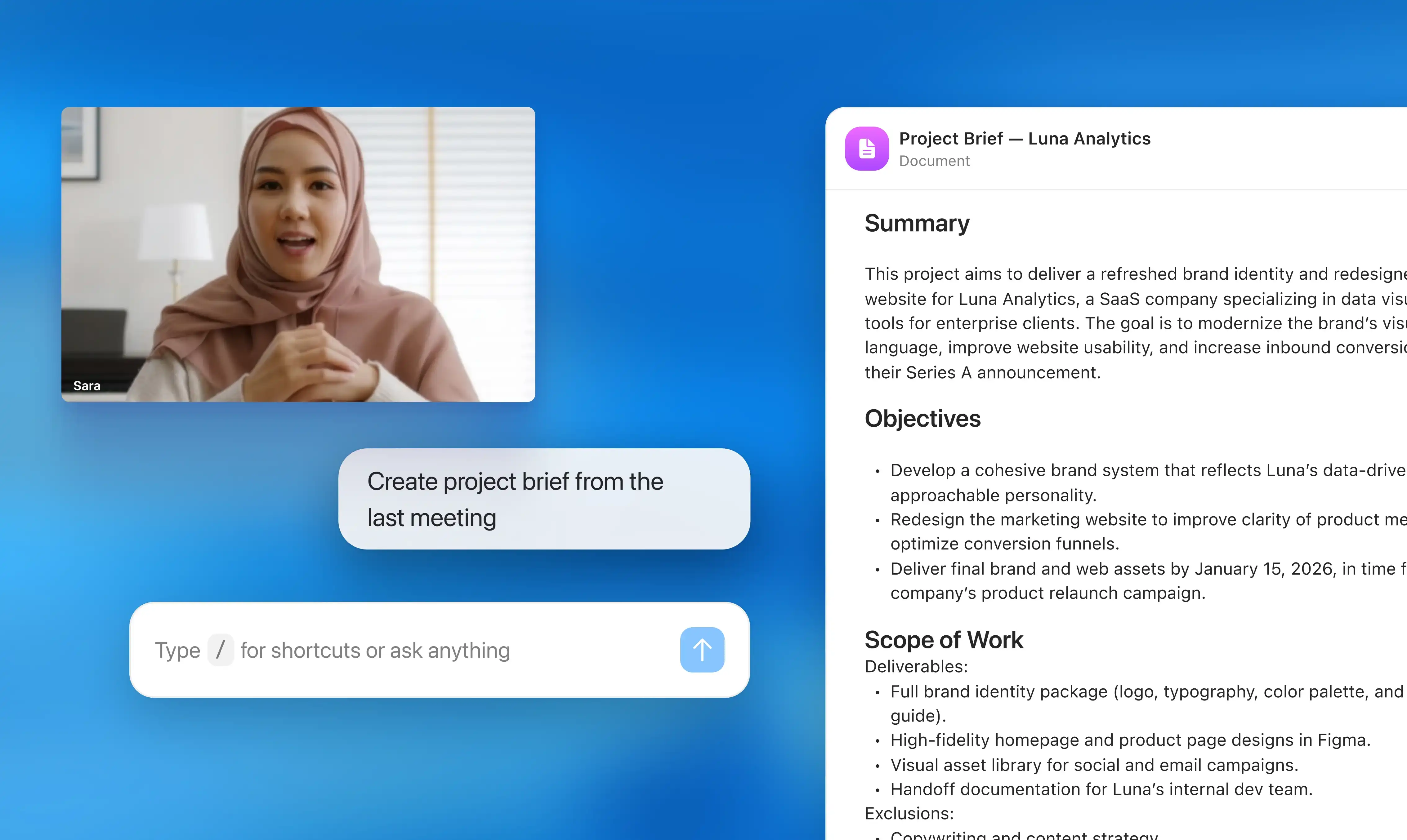
How Radiant acts as your work repository
How Radiant acts as your work repository
Download and set up Radiant for Mac
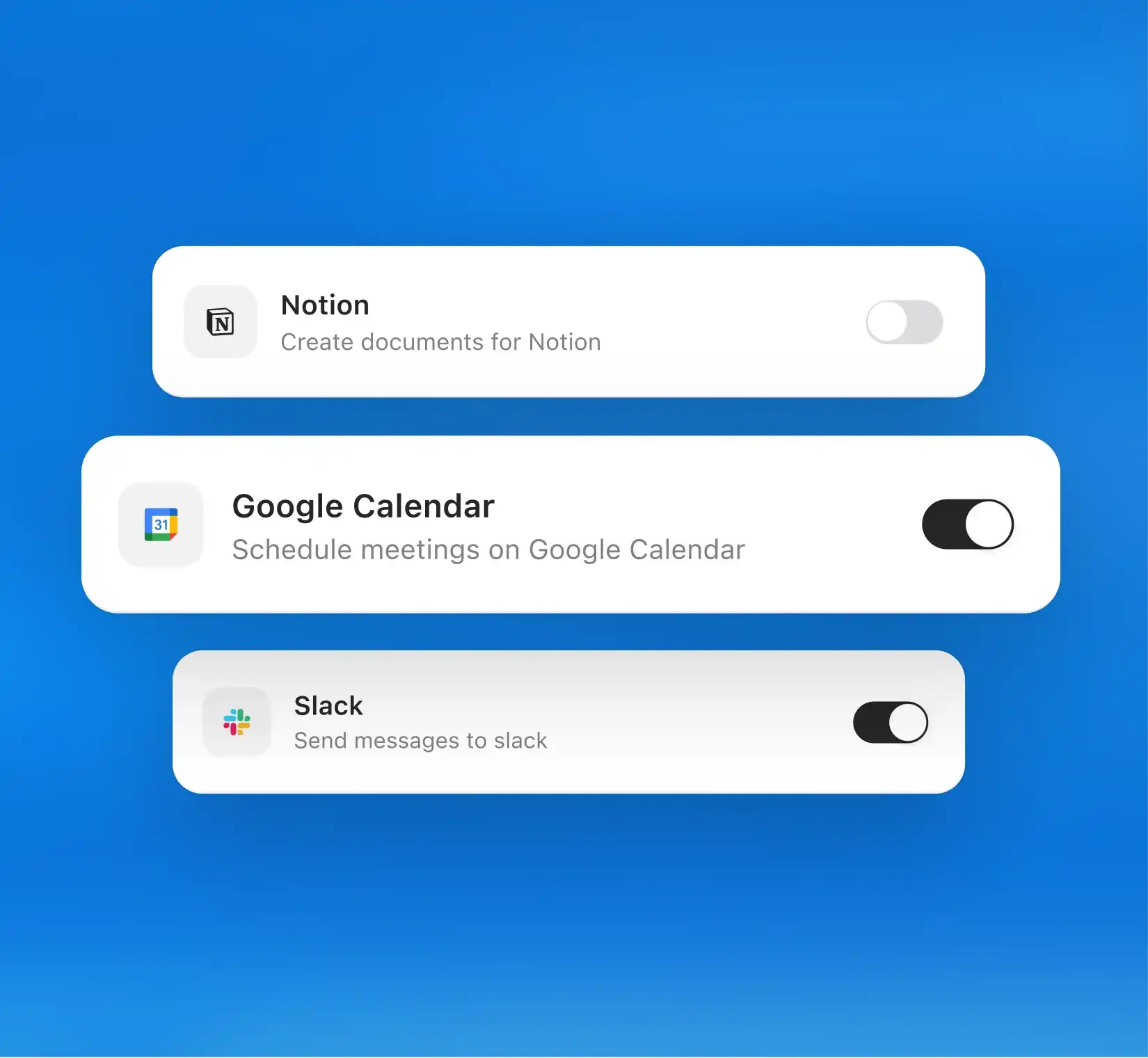
Once you install Radiant, onboarding takes less than a minute. Connect your calendar and allow access to your microphone and system audio. Tell Radiant the tools you use the most, such as Slack, Gmail, or Linear, to personalize suggestions based on your workflow and toolkit.
Download and set up Radiant for Mac
Once you install Radiant, onboarding takes less than a minute. Connect your calendar and allow access to your microphone and system audio. Tell Radiant the tools you use the most, such as Slack, Gmail, or Linear, to personalize suggestions based on your workflow and toolkit.

Capture every conversation
Radiant detects when your mic and audio are active, whether you’re in a Zoom call, Slack Huddle, or in-person discussion. It automatically captures and organizes each meeting in the background. No bots, no recording links, and no need to hit start.
Capture every conversation
Radiant detects when your mic and audio are active, whether you’re in a Zoom call, Slack Huddle, or in-person discussion. It automatically captures and organizes each meeting in the background. No bots, no recording links, and no need to hit start.
See insights and suggestions appear instantly
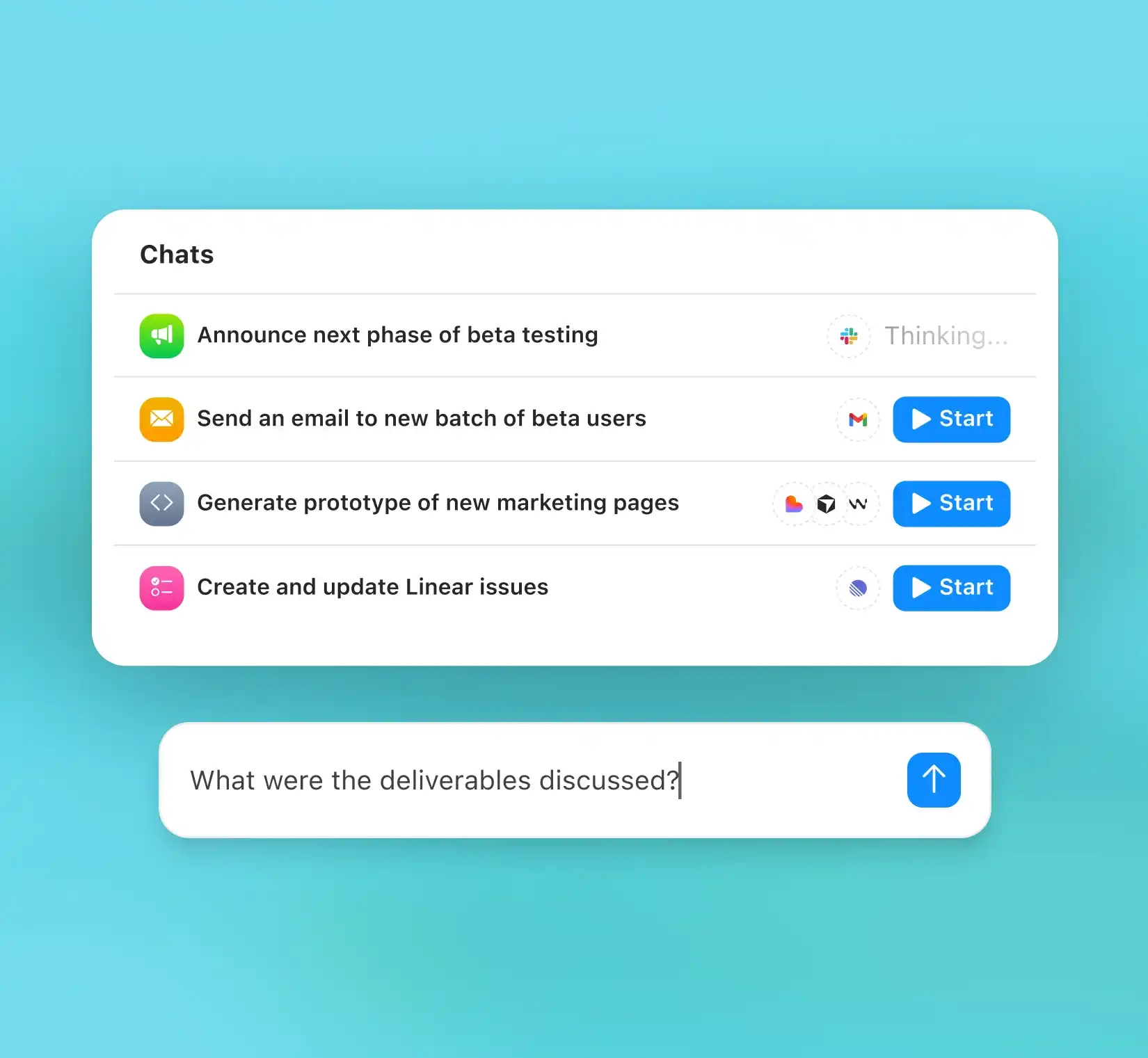
As soon as the meeting ends, Radiant opens automatically with your personal notes, summary, and an list of suggested next steps. You can chat with Radiant about anything from the meeting. Ask questions, get reminders, or request follow-ups.
See insights and suggestions appear instantly
As soon as the meeting ends, Radiant opens automatically with your personal notes, summary, and an list of suggested next steps. You can chat with Radiant about anything from the meeting. Ask questions, get reminders, or request follow-ups.
Move work forward from one place
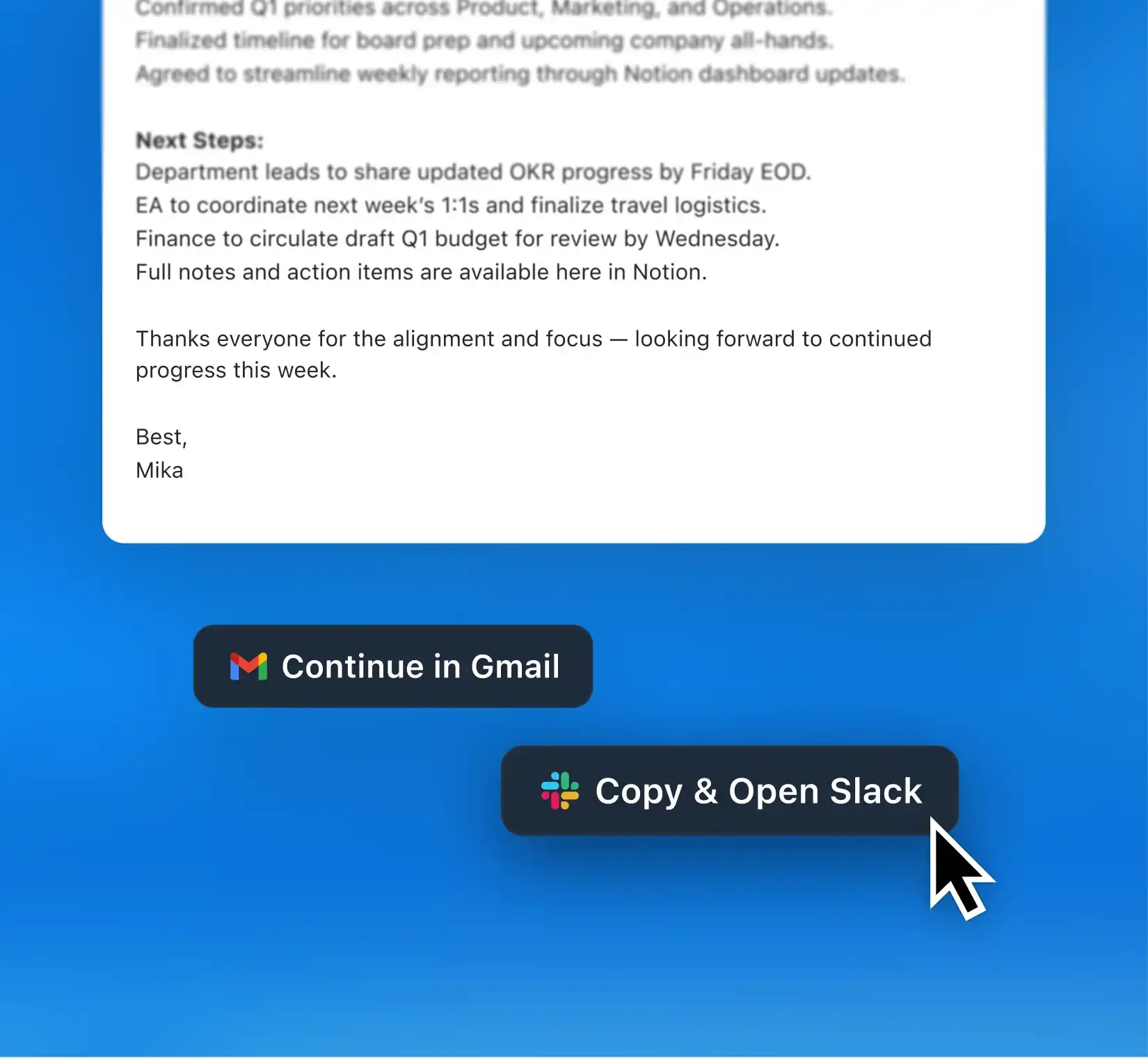
When Radiant drafts an email, update, or issue, you can make edits directly in Radiant. If it’s great as is, just click the “Copy to Gmail,” “Copy to Slack,” or “Copy to Linear” button. Then refine everything directly in your preferred tools.
Move work forward from one place
When Radiant drafts an email, update, or issue, you can make edits directly in Radiant. If it’s great as is, just click the “Copy to Gmail,” “Copy to Slack,” or “Copy to Linear” button. Then refine everything directly in your preferred tools.
Made for the way you work


“As a CEO and CRO, I’m in back-to-back meetings with clients and my team. I use AI to optimize all my work. I've tried many AI agents, and Radiant is my favorite for meeting summaries, notes, and tasks.”

Patrick McGuire, CEO
“As a CEO and CRO, I’m in back-to-back meetings with clients and my team. I use AI to optimize all my work. I've tried many AI agents, and Radiant is my favorite for meeting summaries, notes, and tasks.”
Patrick McGuire, CEO
“As a CEO and CRO, I’m in back-to-back meetings with clients and my team. I use AI to optimize all my work. I've tried many AI agents, and Radiant is my favorite for meeting summaries, notes, and tasks.”
Patrick McGuire, CEO
FAQs

Can I really chat with Radiant about past meetings?
Can I really chat with Radiant about past meetings?
Can I really chat with Radiant about past meetings?
Can Radiant combine insights from multiple meetings?
Can Radiant combine insights from multiple meetings?
Can Radiant combine insights from multiple meetings?

Imagine chatting with your meeting history
Ask questions, recall important details, and complete follow-ups through simple conversation. Download the Mac app and turn every past discussion into forward motion.