
Follow up without slowing down
Follow up without slowing down
Follow up without slowing down
Fast, clear follow-up emails, written for you
Fast, clear follow-up emails, written for you
Fast, clear follow-up emails, written for you
Radiant drafts follow-up emails and team updates as soon as your meeting ends. Share summaries, align on action items, and keep everyone informed without rewriting notes or starting from scratch.
Radiant drafts follow-up emails and team updates as soon as your meeting ends. Share summaries, align on action items, and keep everyone informed without rewriting notes or starting from scratch.
Radiant drafts follow-up emails and team updates as soon as your meeting ends. Share summaries, align on action items, and keep everyone informed without rewriting notes or starting from scratch.
Radiant is a desktop-only app. Get a link via email now to download and use it for free on your computer.
Radiant is free and unlimited during beta.
Radiant is free and unlimited during beta.
Get it now before beta ends!
Get it now before beta ends!

How Radiant prepares follow-ups
How Radiant prepares follow-ups
Download and set up Radiant for Mac
After you install Radiant, onboarding takes under a minute. Connect your calendar so Radiant can remind you of upcoming meetings, then let it run quietly in the background. There are no bots to invite and no links to manage.
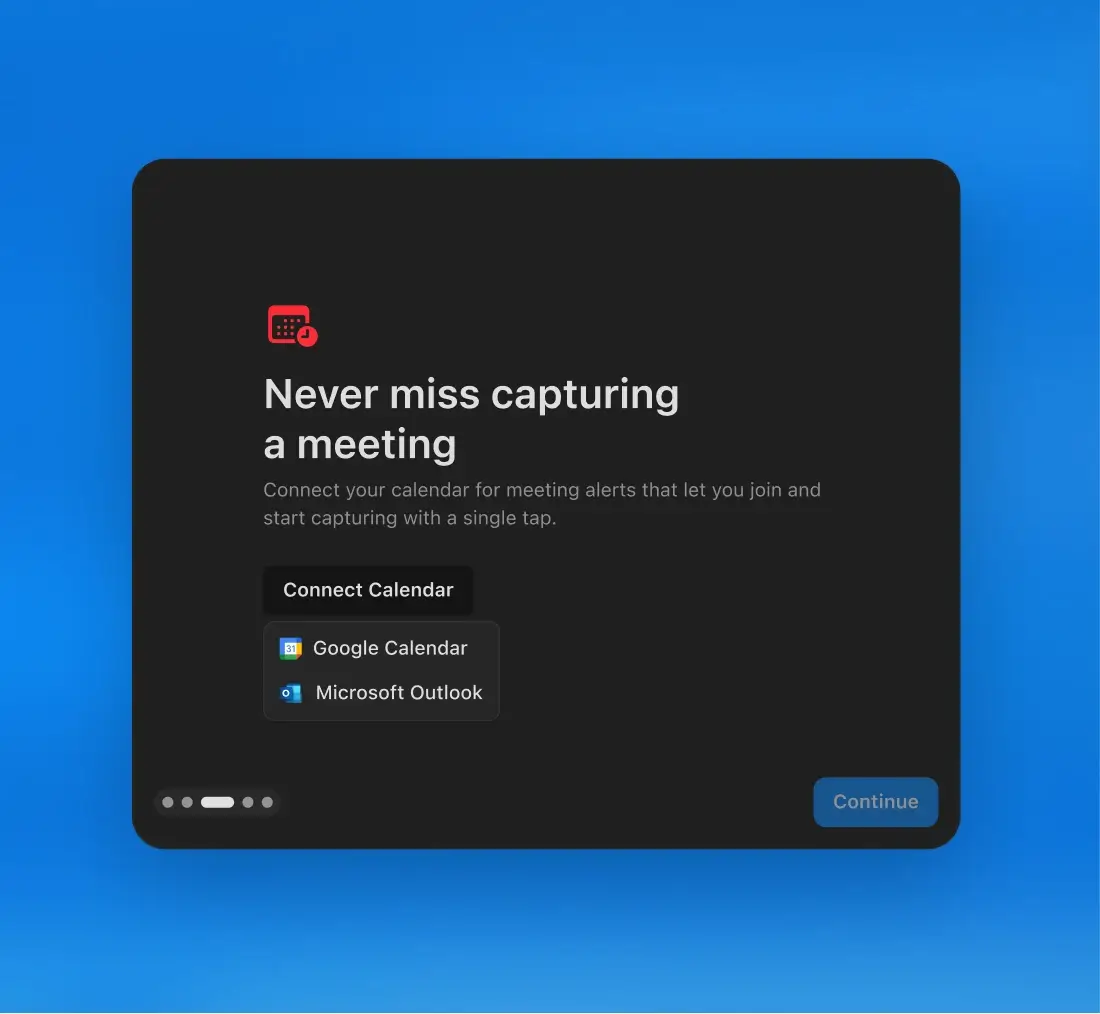
Download and set up Radiant for Mac
After you install Radiant, onboarding takes under a minute. Connect your calendar so Radiant can remind you of upcoming meetings, then let it run quietly in the background. There are no bots to invite and no links to manage.

Let Radiant capture your meeting
Radiant automatically detects when your meeting begins across Zoom, Google Meet, Teams, or any other platform. It captures the conversation and prepares the context needed for your follow-up.
Let Radiant capture your meeting
Radiant automatically detects when your meeting begins across Zoom, Google Meet, Teams, or any other platform. It captures the conversation and prepares the context needed for your follow-up.
See your follow-up draft as soon as the meeting ends
As soon as the meeting ends, Radiant drafts a follow-up email or team update based on what was discussed. Chat with Radiant to make tweaks or re-draft any part of the email.
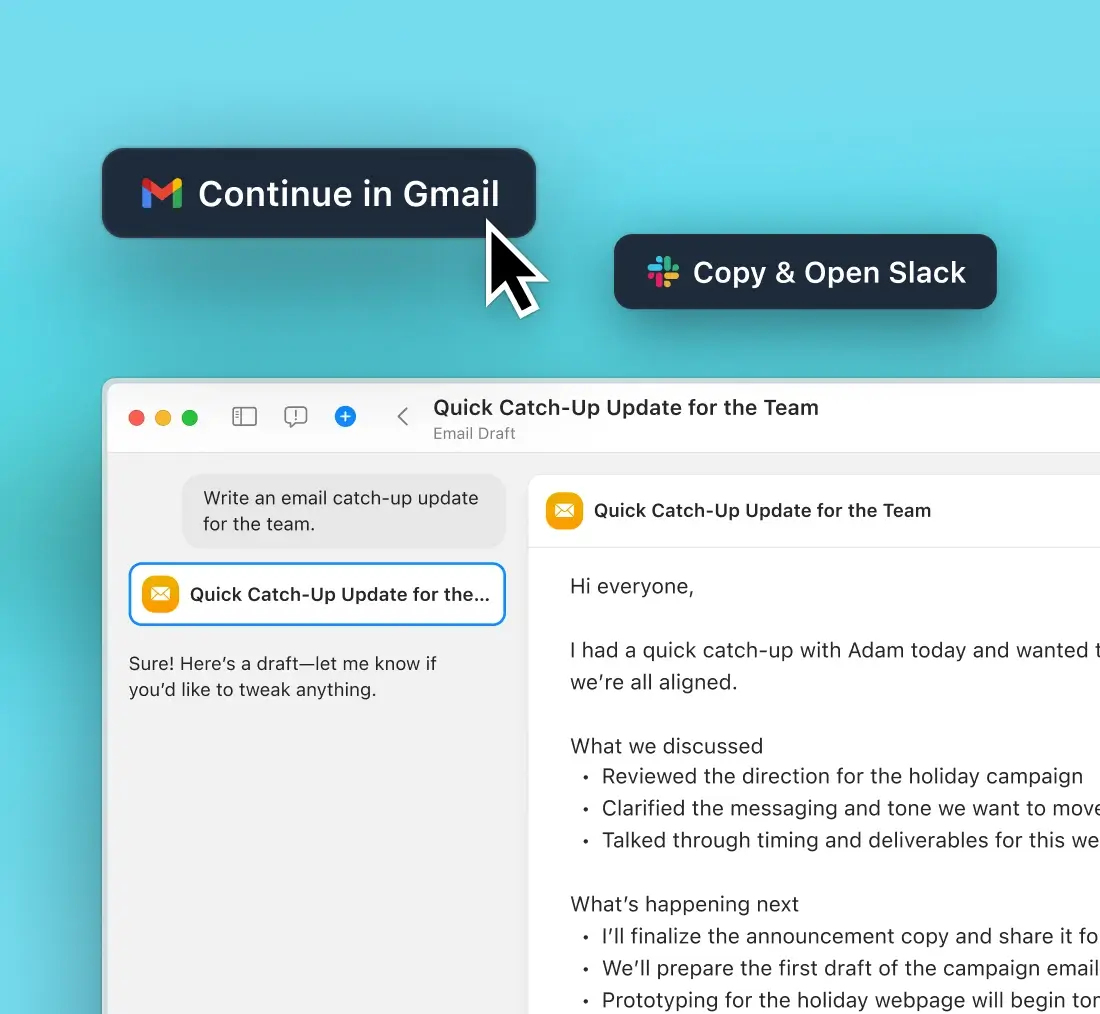
See your follow-up draft as soon as the meeting ends
As soon as the meeting ends, Radiant drafts a follow-up email or team update based on what was discussed. Chat with Radiant to make tweaks or re-draft any part of the email.
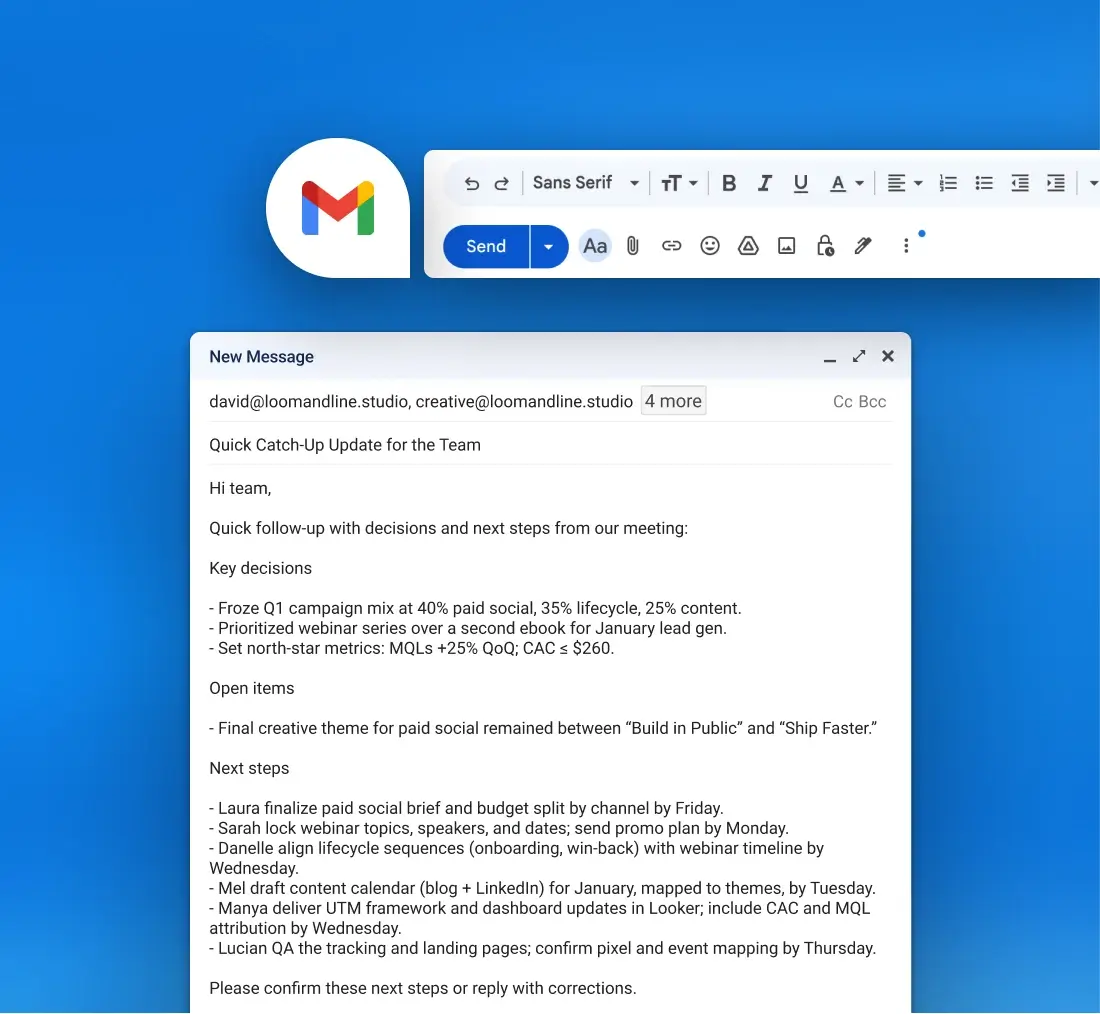
Open and share your follow-up instantly
Open your draft directly in Gmail, Slack, Google Docs, or your project tools. Edit if needed, then send in seconds so everyone stays aligned on next steps.
Open and share your follow-up instantly
Open your draft directly in Gmail, Slack, Google Docs, or your project tools. Edit if needed, then send in seconds so everyone stays aligned on next steps.
Made for the way you work


“Radiant has been a great support tool for staying organized during calls and huddles. The way it structures outputs really fits how I like to work: clear, concise, and easy to share with my Viva colleagues.”

Andrea Ríos, Senior Executive Assistant
“Radiant has been a great support tool for staying organized during calls and huddles. The way it structures outputs really fits how I like to work: clear, concise, and easy to share with my Viva colleagues.”
Andrea Ríos, Senior Executive Assistant
“Radiant has been a great support tool for staying organized during calls and huddles. The way it structures outputs really fits how I like to work: clear, concise, and easy to share with my Viva colleagues.”
Andrea Ríos, Senior Executive Assistant
FAQs

Can I edit the follow-up before I send it?
Can I edit the follow-up before I send it?
Can I edit the follow-up before I send it?
Can I customize how my follow-ups are written?
Can I customize how my follow-ups are written?
Can I customize how my follow-ups are written?
Does this work for unscheduled, ad-hoc, or in-person meetings?
Does this work for unscheduled, ad-hoc, or in-person meetings?
Does this work for unscheduled, ad-hoc, or in-person meetings?
Does Radiant only write emails?
Does Radiant only write emails?
Does Radiant only write emails?

Imagine never writing a follow-up email again
Radiant drafts the emails and updates you need right after each meeting.