
For every kind of conversation
For every kind of conversation
For every kind of conversation
AI meeting capture for in-person, hybrid, and remote workers
AI meeting capture for in-person, hybrid, and remote workers
AI meeting capture for in-person, hybrid, and remote workers
Radiant captures conversations wherever they happen — in the office, on Zoom, or in a Slack Huddle. It detects active discussions automatically, creating accurate summaries, next-step suggestions, and drafts of resulting work.
Radiant captures conversations wherever they happen — in the office, on Zoom, or in a Slack Huddle. It detects active discussions automatically, creating accurate summaries, next-step suggestions, and drafts of resulting work.
Radiant captures conversations wherever they happen — in the office, on Zoom, or in a Slack Huddle. It detects active discussions automatically, creating accurate summaries, next-step suggestions, and drafts of resulting work.
Radiant is a desktop-only app. Get a link via email now to download and use it for free on your computer.
Radiant is free and unlimited during beta.
Radiant is free and unlimited during beta.
Get it now before beta ends!
Get it now before beta ends!
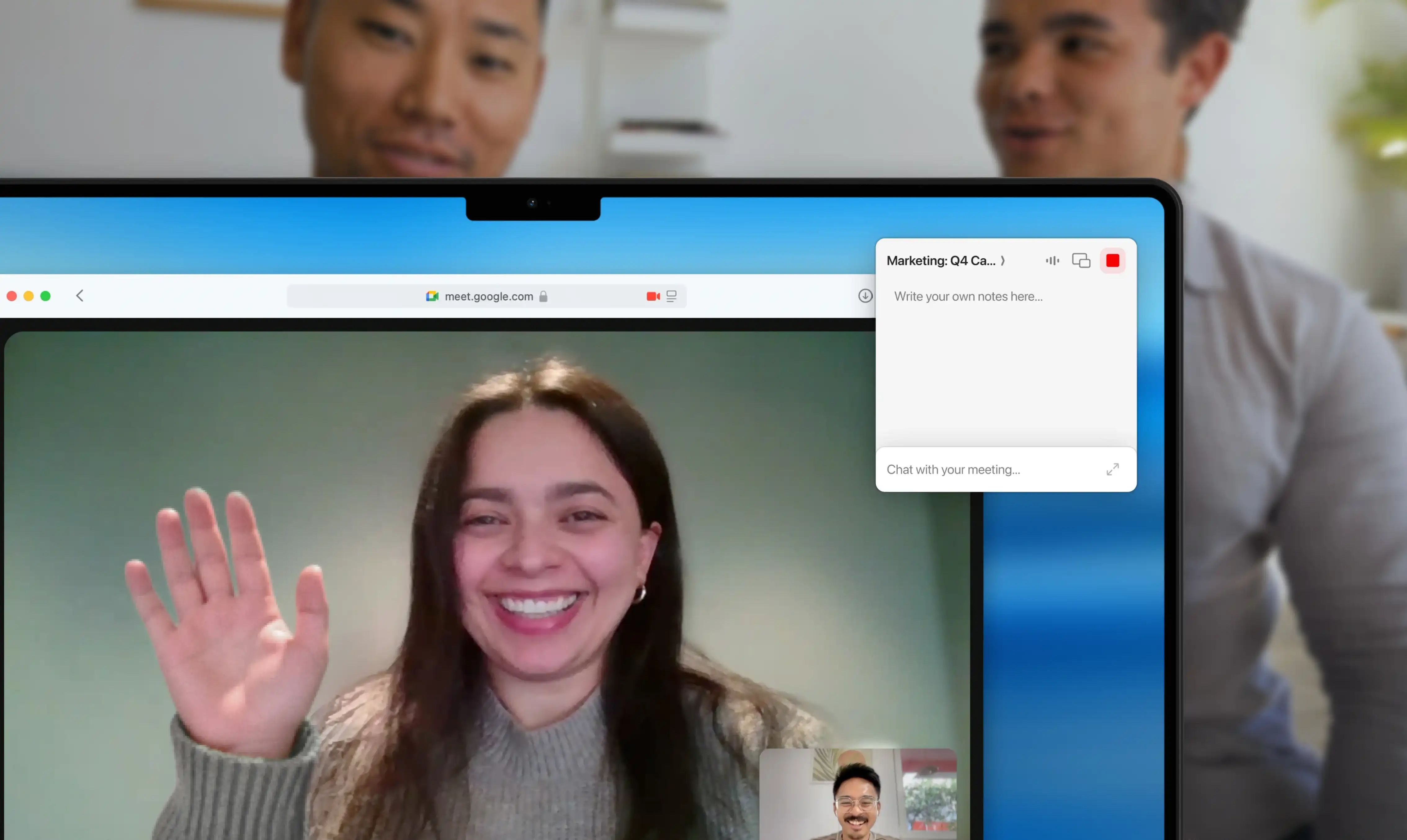
How Radiant captures in-person conversations
How Radiant captures in-person conversations
Download and set up Radiant for Mac
Once installed, grant Radiant permission to use your microphone.
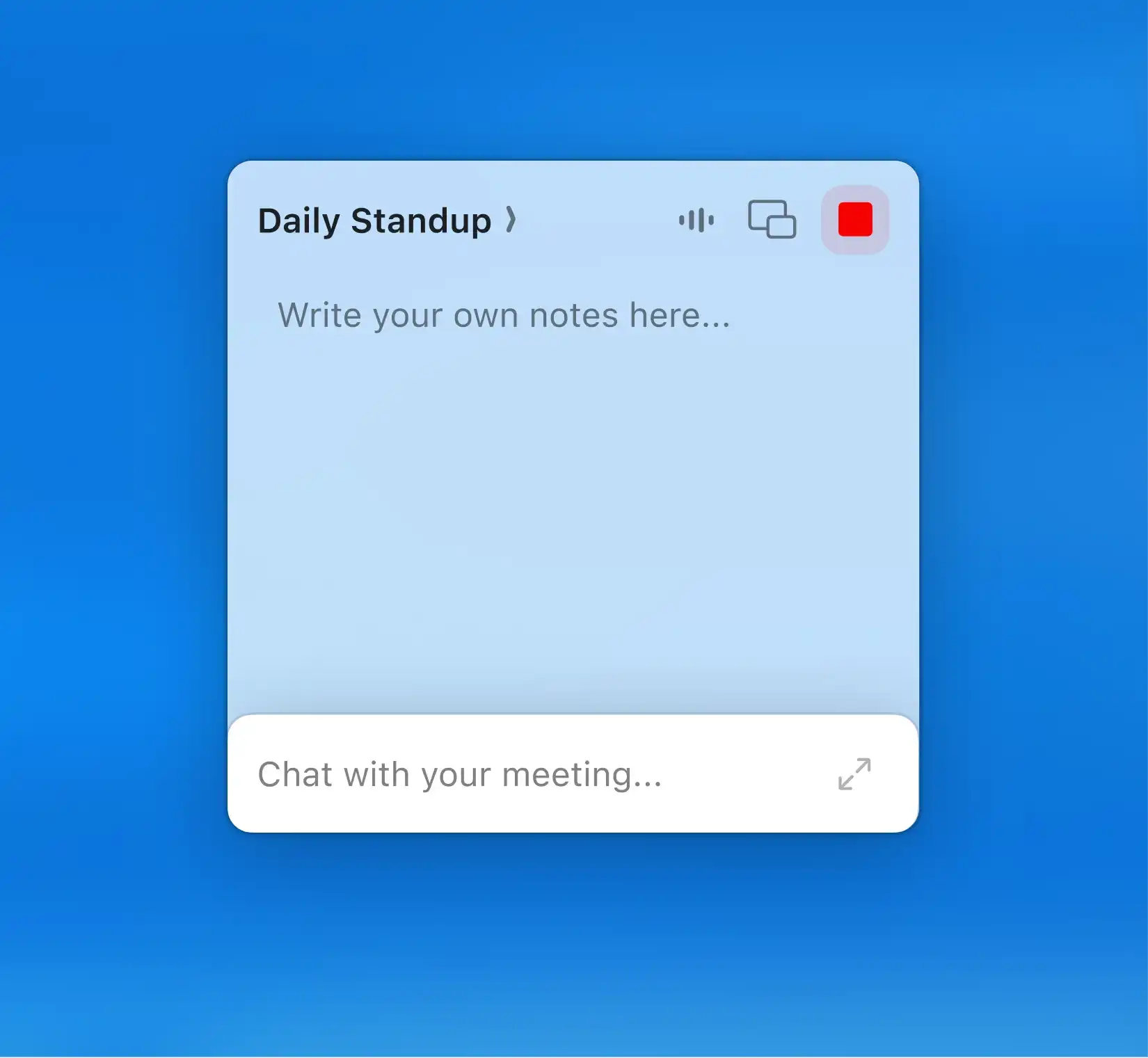
Download and set up Radiant for Mac
Once installed, grant Radiant permission to use your microphone.
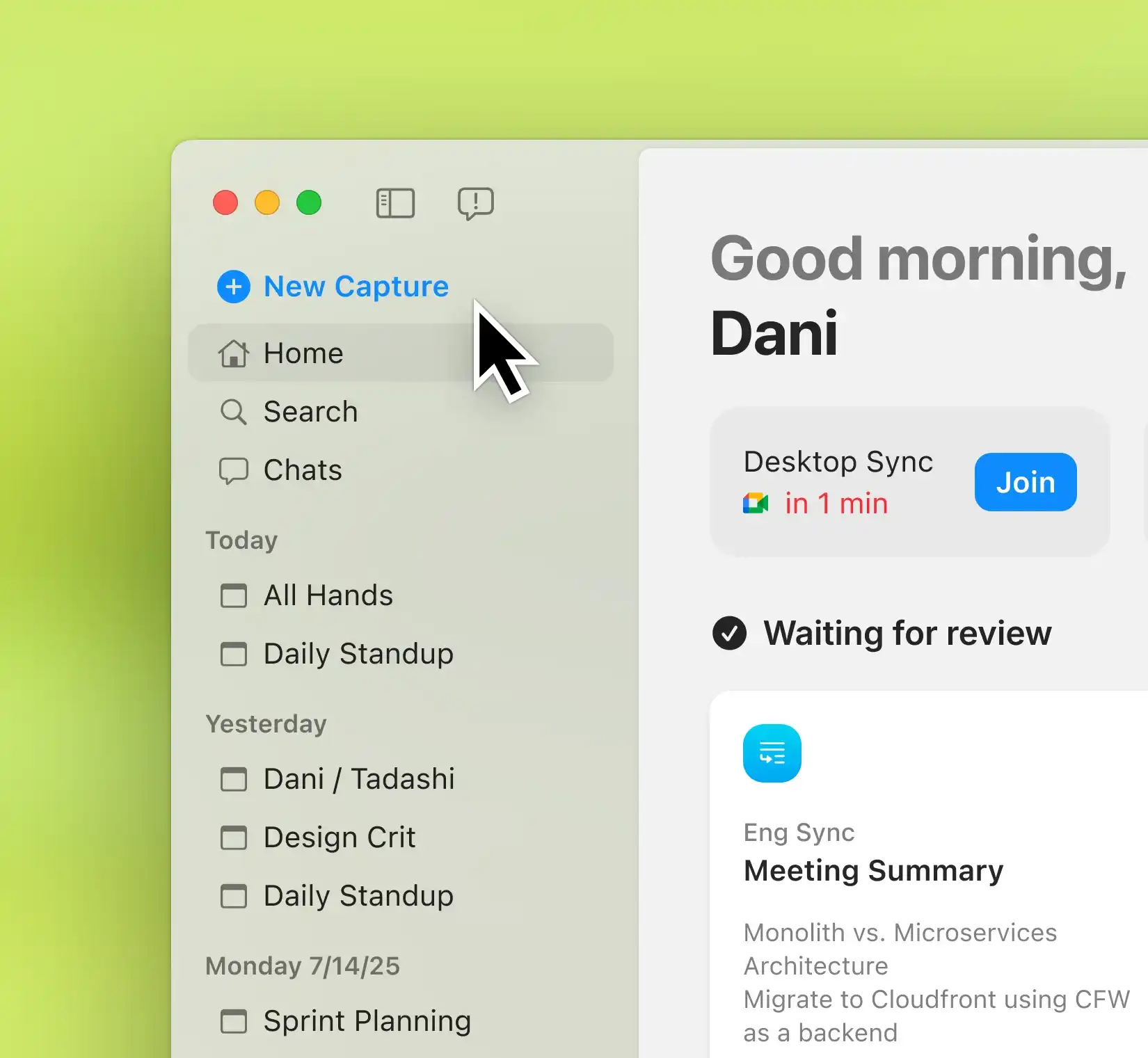
Capture every conversation, anywhere
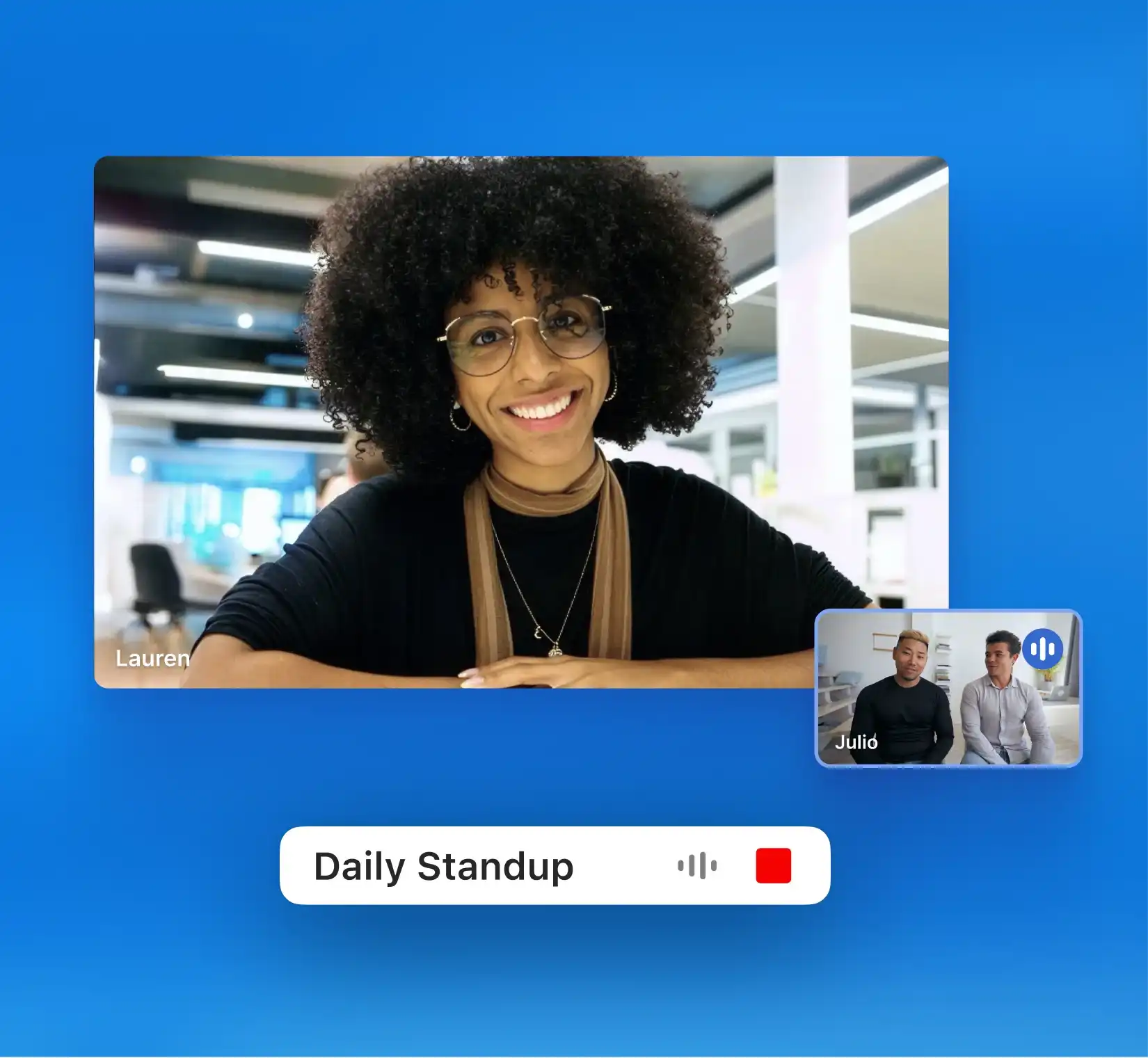
For virtual calls, Radiant detects active meetings automatically. For in-person discussions, simply click “New capture” in the app to start recording. Radiant captures the conversation in real time, just like a virtual meeting.
Capture every conversation, anywhere
For virtual calls, Radiant detects active meetings automatically. For in-person discussions, simply click “New capture” in the app to start recording. Radiant captures the conversation in real time, just like a virtual meeting.
Review what was discussed
After the meeting, Radiant opens with your transcript, summary, and next steps all ready to go. Every insight is stored locally in the app, keeping all your meeting documentation in one place.
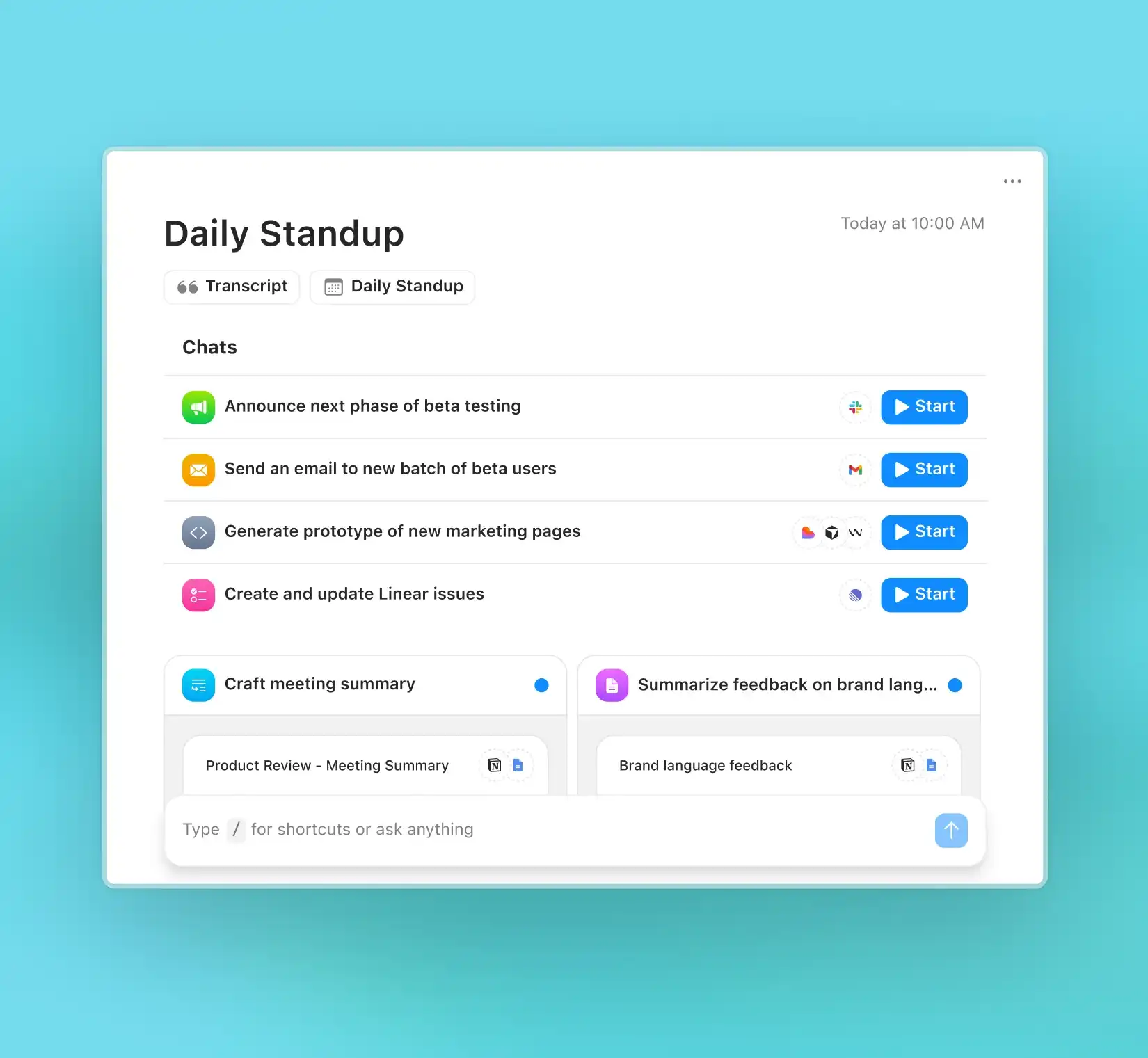
Review what was discussed
After the meeting, Radiant opens with your transcript, summary, and next steps all ready to go. Every insight is stored locally in the app, keeping all your meeting documentation in one place.
Share or act when ready
Radiant generates suggested follow-ups or documents. Hit “Copy to Gmail,” “Copy to Slack,” or copy to whichever tool you're working with to send them where your work happens.
Share or act when ready
Radiant generates suggested follow-ups or documents. Hit “Copy to Gmail,” “Copy to Slack,” or copy to whichever tool you're working with to send them where your work happens.
Made for the way you work


"At RXN, we're always looking for ways to use AI to work smarter. Radiant goes beyond notes and summaries; it delivers polished next-step drafts that keep our work moving forward."

Natalie Lynch, Director of Public Affairs
"At RXN, we're always looking for ways to use AI to work smarter. Radiant goes beyond notes and summaries; it delivers polished next-step drafts that keep our work moving forward."
Natalie Lynch, Director of Public Affairs
"At RXN, we're always looking for ways to use AI to work smarter. Radiant goes beyond notes and summaries; it delivers polished next-step drafts that keep our work moving forward."
Natalie Lynch, Director of Public Affairs
FAQs

Do I need to start a new capture every time?
Do I need to start a new capture every time?
Do I need to start a new capture every time?
Can Radiant tell who’s speaking in an in-person meeting?
Can Radiant tell who’s speaking in an in-person meeting?
Can Radiant tell who’s speaking in an in-person meeting?
How private are in-person captures?
How private are in-person captures?
How private are in-person captures?
Can I edit shortcuts after I create them?
Can I edit shortcuts after I create them?
Can I edit shortcuts after I create them?

Real conversations deserve real notes
Capture in-person discussions with the same clarity.