
Custom AI workflows made simple
Custom AI workflows made simple
Custom AI workflows made simple
Create custom outputs for your meetings
Create custom outputs for your meetings
Create custom outputs for your meetings
Shortcuts help you build the outputs you rely on, from follow-up emails and action items to project updates and invites. Edit them to match your workflow and reuse them anytime without rewriting a single prompt.
Shortcuts help you build the outputs you rely on, from follow-up emails and action items to project updates and invites. Edit them to match your workflow and reuse them anytime without rewriting a single prompt.
Shortcuts help you build the outputs you rely on, from follow-up emails and action items to project updates and invites. Edit them to match your workflow and reuse them anytime without rewriting a single prompt.
Radiant is a desktop-only app. Get a link via email now to download and use it for free on your computer.
Radiant is free and unlimited during beta.
Radiant is free and unlimited during beta.
Get it now before beta ends!
Get it now before beta ends!
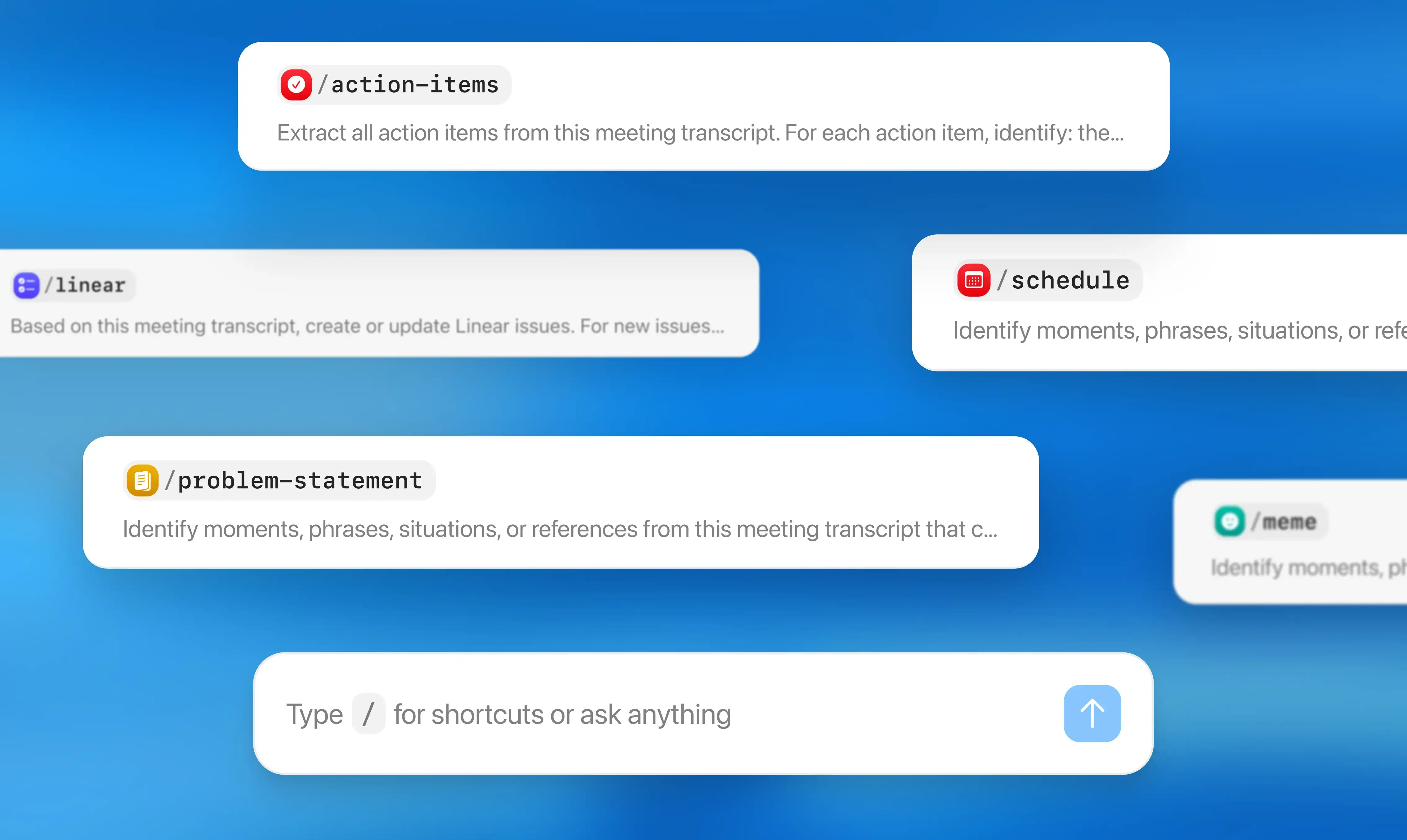
How shortcuts help you create the perfect workflow
How shortcuts help you create the perfect workflow
Start with built-in shortcuts
Use default shortcuts like /follow-up-email, /action-items, /schedule, or /meme, which pulls the most memeable moments from your meeting. Each one is ready to customize.
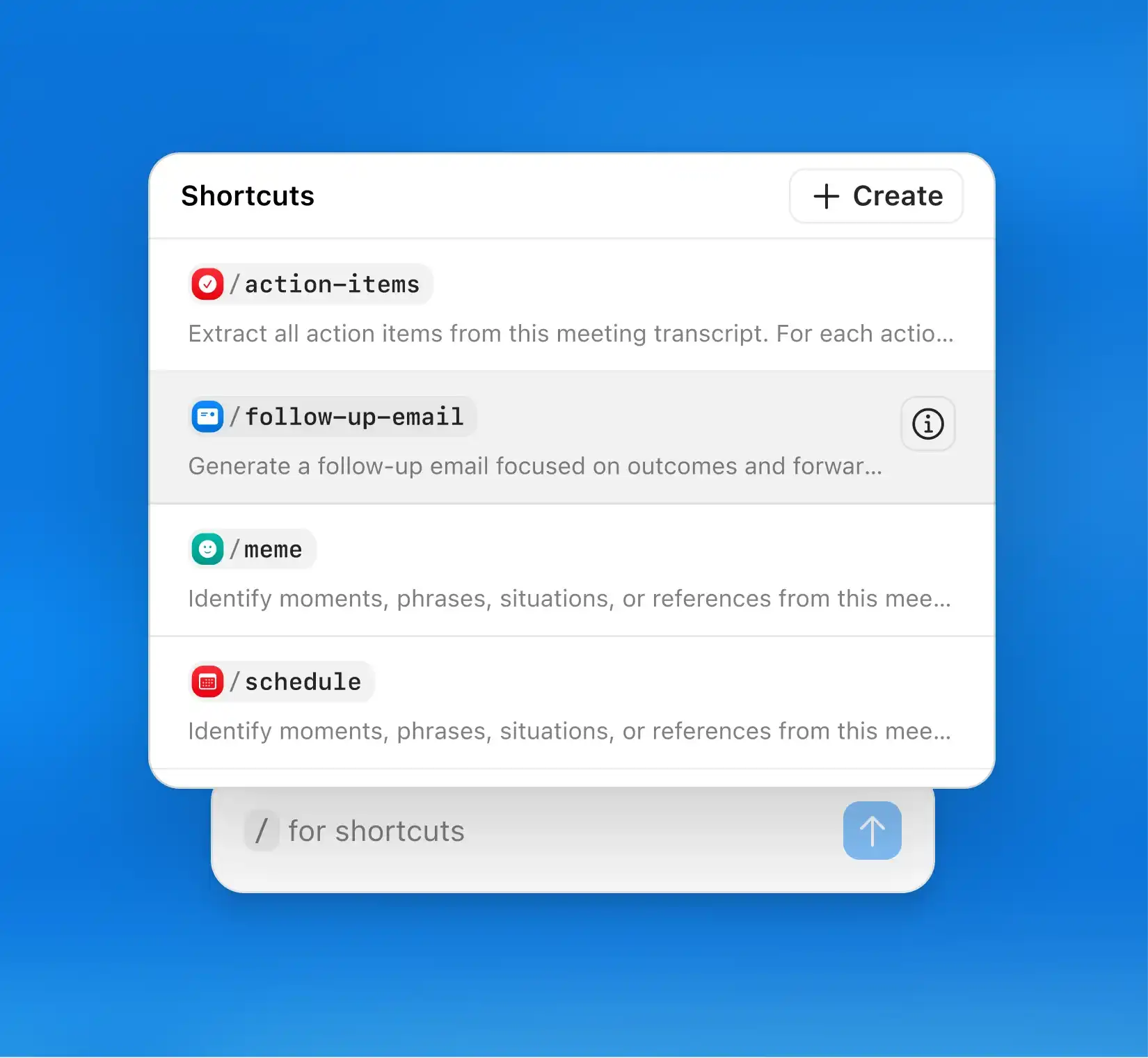
Start with built-in shortcuts
Use default shortcuts like /follow-up-email, /action-items, /schedule, or /meme, which pulls the most memeable moments from your meeting. Each one is ready to customize.
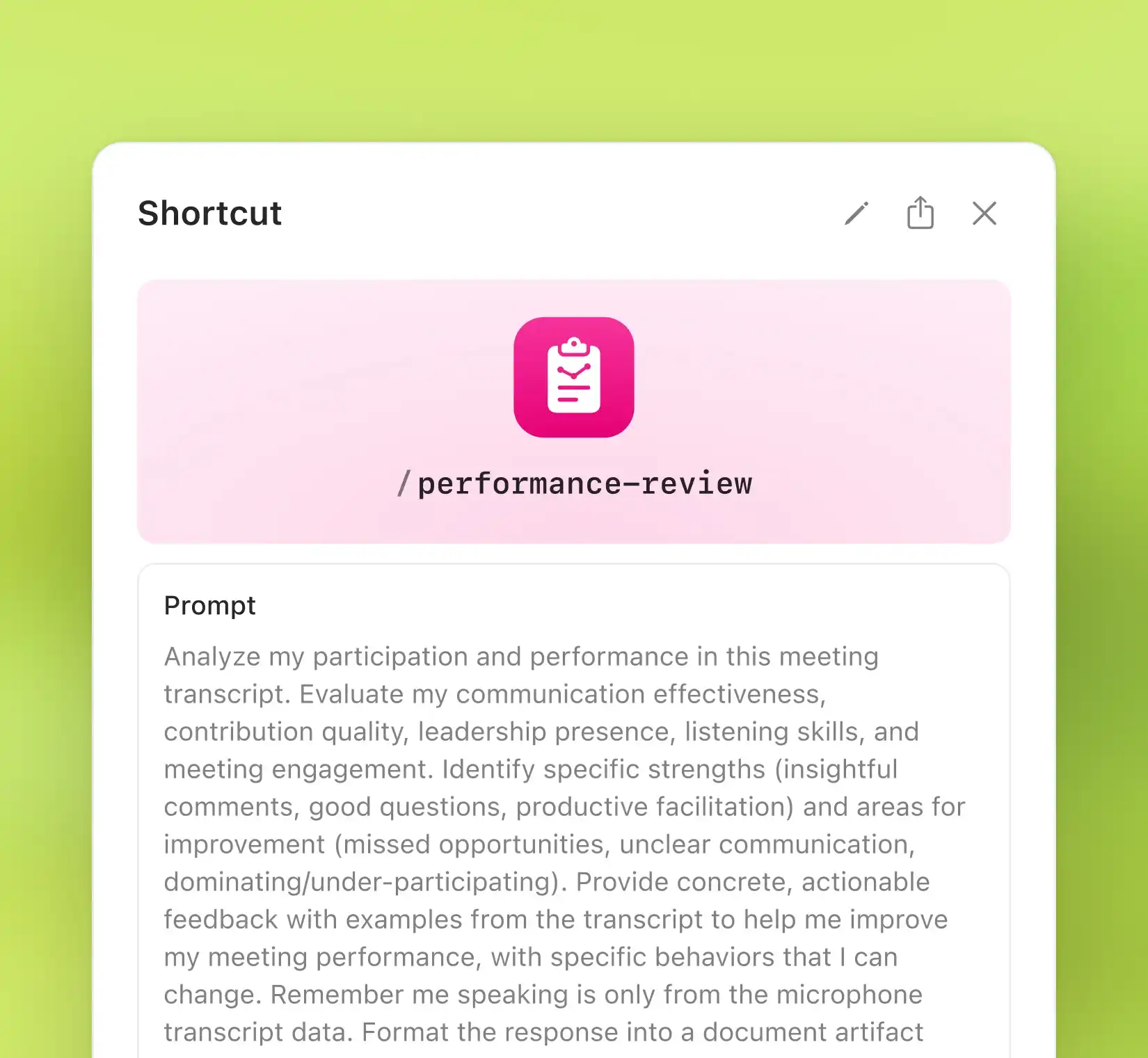
Create custom shortcuts
Build shortcuts that reflect how you work. Adjust the tone, structure, and details of each prompt so your follow-ups, tickets, and updates always feel right for you.
Create custom shortcuts
Build shortcuts that reflect how you work. Adjust the tone, structure, and details of each prompt so your follow-ups, tickets, and updates always feel right for you.
Automate your meeting admin
Set shortcuts to trigger automatically once a meeting ends. Radiant generates your custom outputs instantly, so your work keeps moving without manual effort.
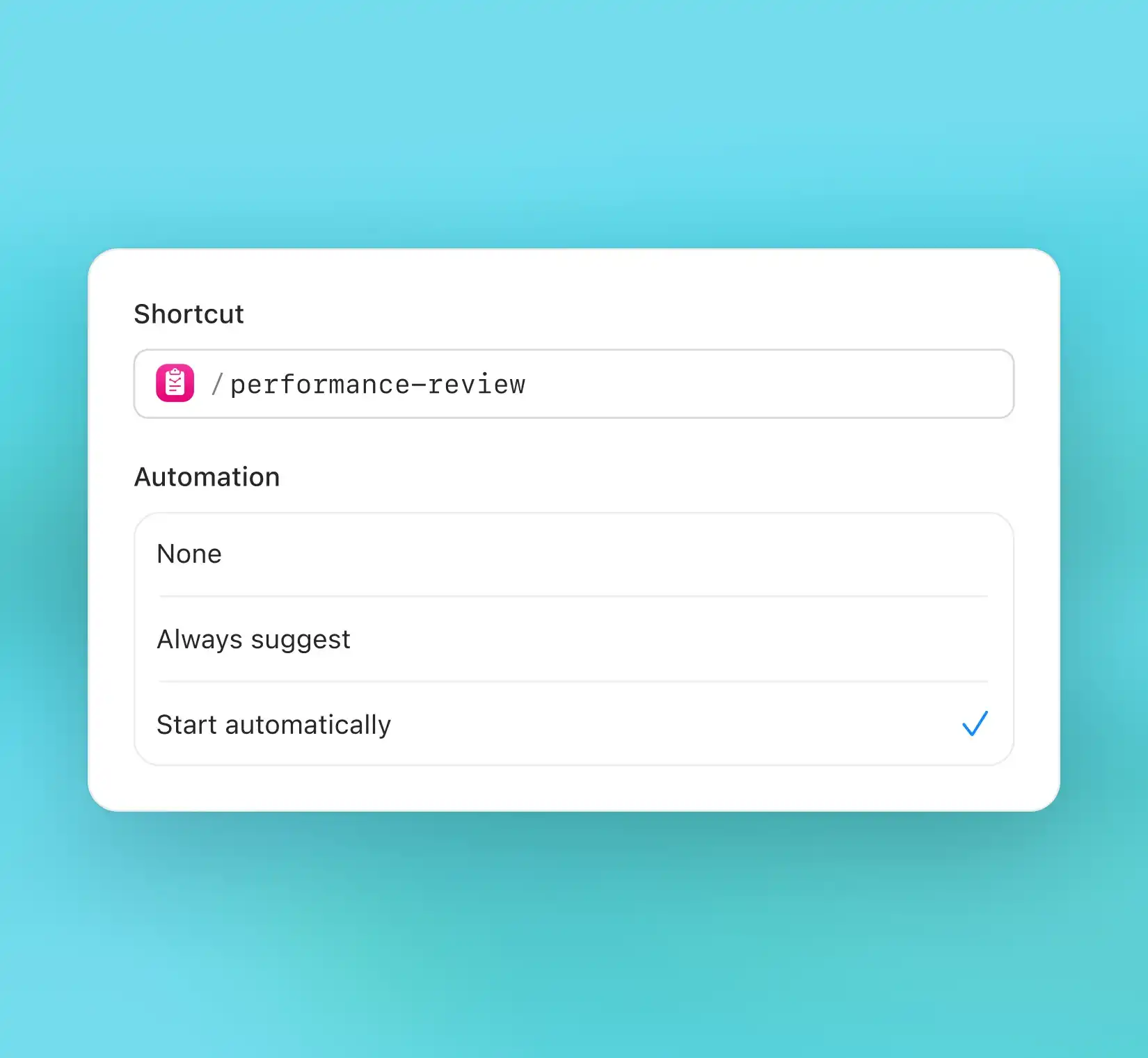
Automate your meeting admin
Set shortcuts to trigger automatically once a meeting ends. Radiant generates your custom outputs instantly, so your work keeps moving without manual effort.
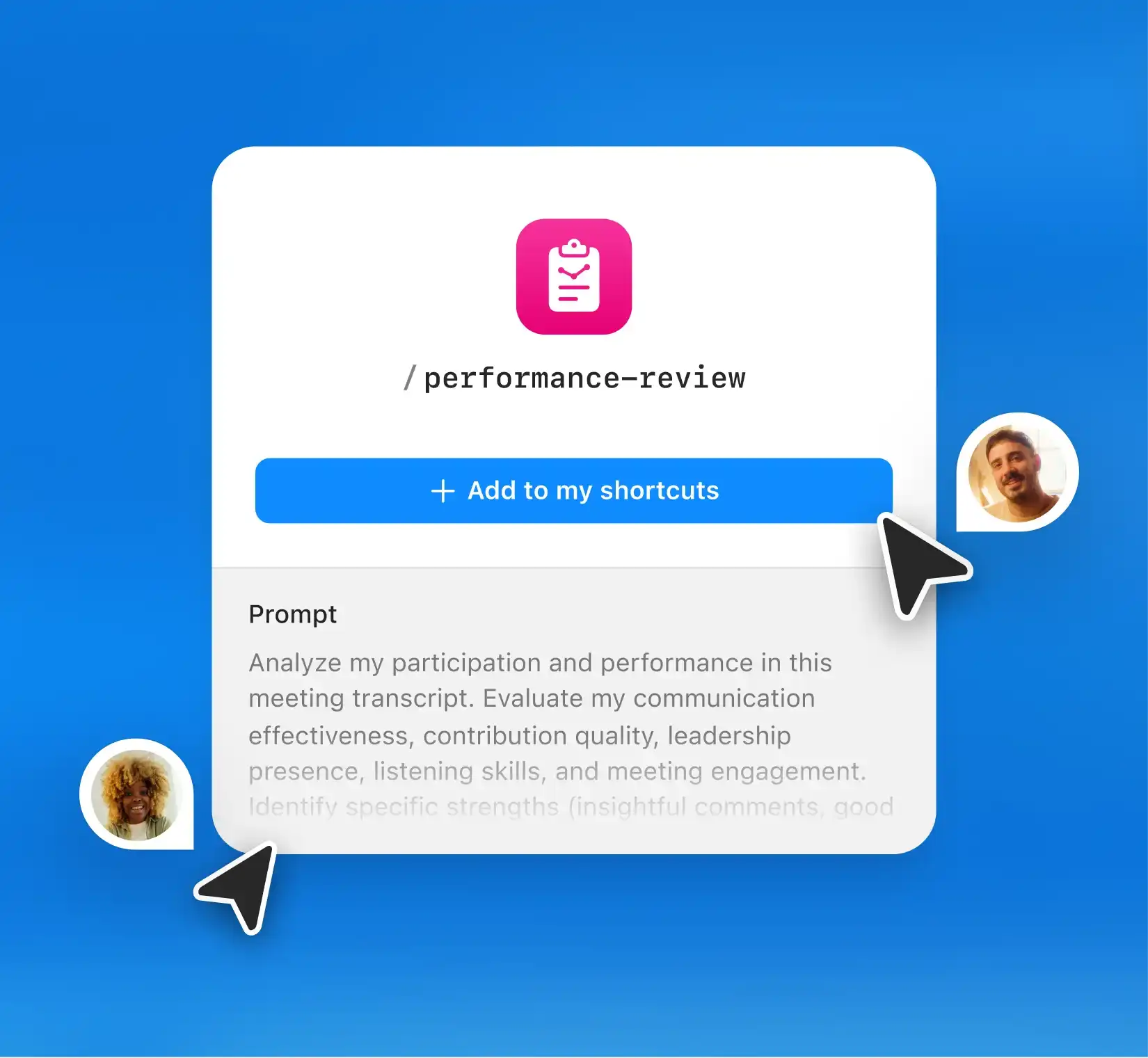
Share with your team
Share shortcuts for team-wide consistency. Everyone can work from the same templates, follow-up styles, and workflows.
Share with your team
Share shortcuts for team-wide consistency. Everyone can work from the same templates, follow-up styles, and workflows.
Built for people who want custom, reliable output fast


“I’m in dozens of meetings a day which means constant context-switching. Radiant streamlines my post-meeting work, helping me draft job descriptions and follow-ups, and acting as a repository for all the information I captured in my calls.”

Austin Rehorn, Sr Client Manager
“I’m in dozens of meetings a day which means constant context-switching. Radiant streamlines my post-meeting work, helping me draft job descriptions and follow-ups, and acting as a repository for all the information I captured in my calls.”
Austin Rehorn, Sr Client Manager
“I’m in dozens of meetings a day which means constant context-switching. Radiant streamlines my post-meeting work, helping me draft job descriptions and follow-ups, and acting as a repository for all the information I captured in my calls.”
Austin Rehorn, Sr Client Manager
FAQs

Can I create my own shortcuts?
Can I create my own shortcuts?
Can I create my own shortcuts?
Do shortcuts run automatically?
Do shortcuts run automatically?
Do shortcuts run automatically?
Can I share shortcuts with my team?
Can I share shortcuts with my team?
Can I share shortcuts with my team?
Can I edit shortcuts after I create them?
Can I edit shortcuts after I create them?
Can I edit shortcuts after I create them?

Don’t let manual prompting slow you down
Create shortcuts that handle your daily busywork so you can stay focused on higher impact work.