

Radiant + Cursor
Radiant + Cursor
Accelerate development. Radiant drafts prompts based on meetings for use in Cursor, saving engineers time on manual prompting.
Accelerate development. Radiant drafts prompts based on meetings for use in Cursor, saving engineers time on manual prompting.
Features snapshot
Learn about the Radiant features that assist developers with coding and documentation in Cursor.
Learn about the Radiant features that assist developers with coding and documentation in Cursor.
Code snippet generation
Code snippet generation
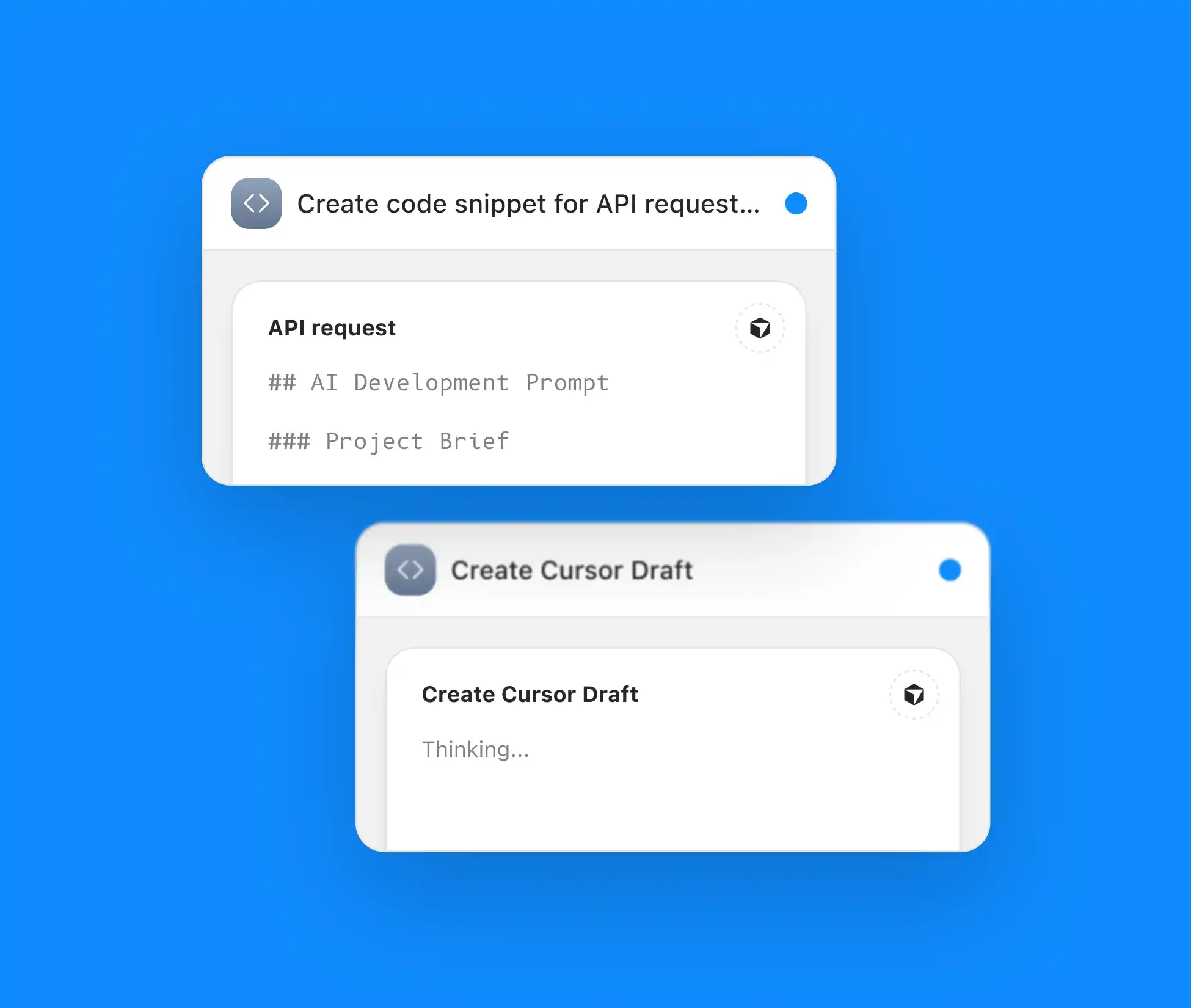
Code snippet generation
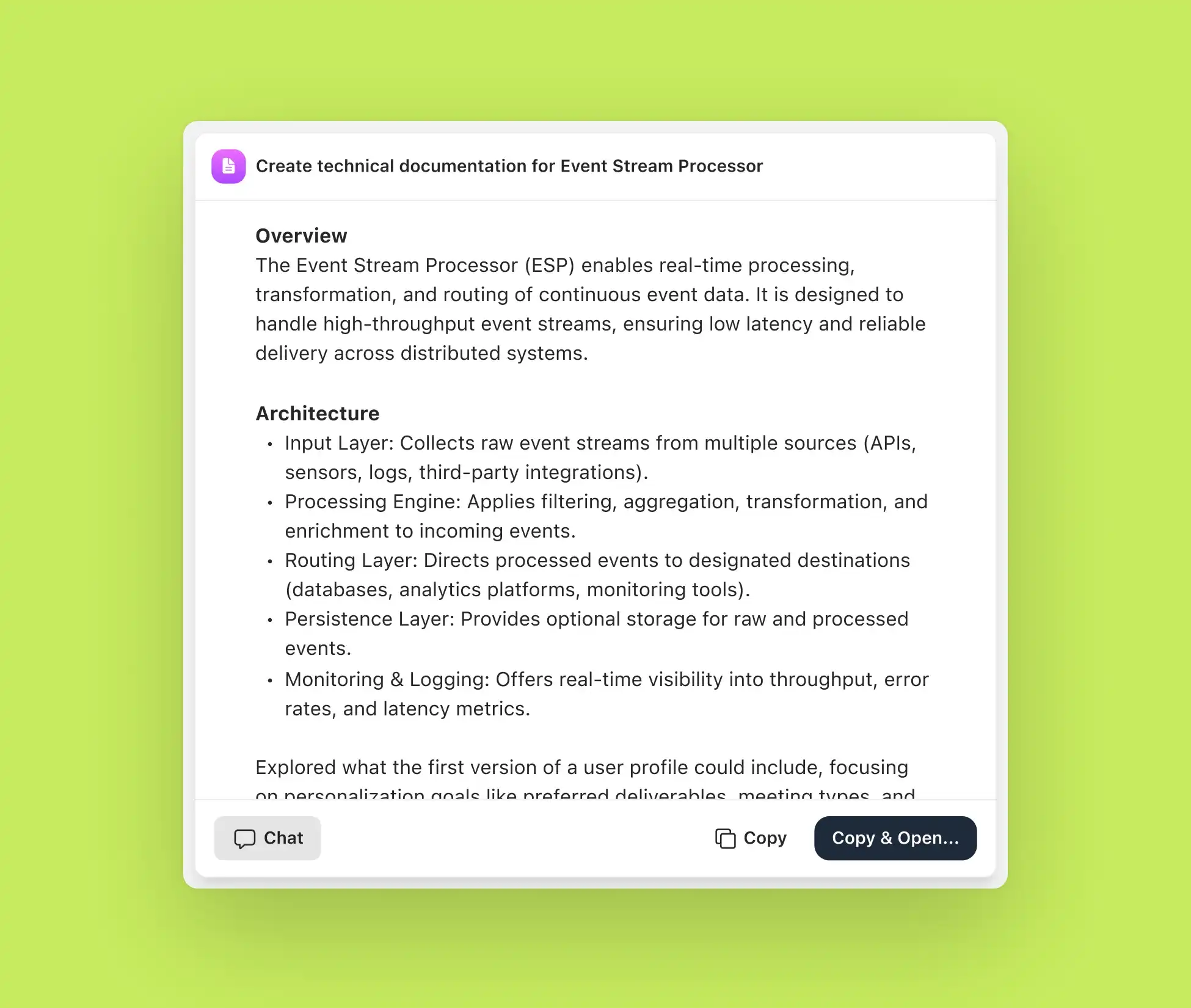
Technical documentation drafting
Technical documentation drafting
Technical documentation drafting
Making updates in other tools, like Linear
Making updates in other tools, like Linear
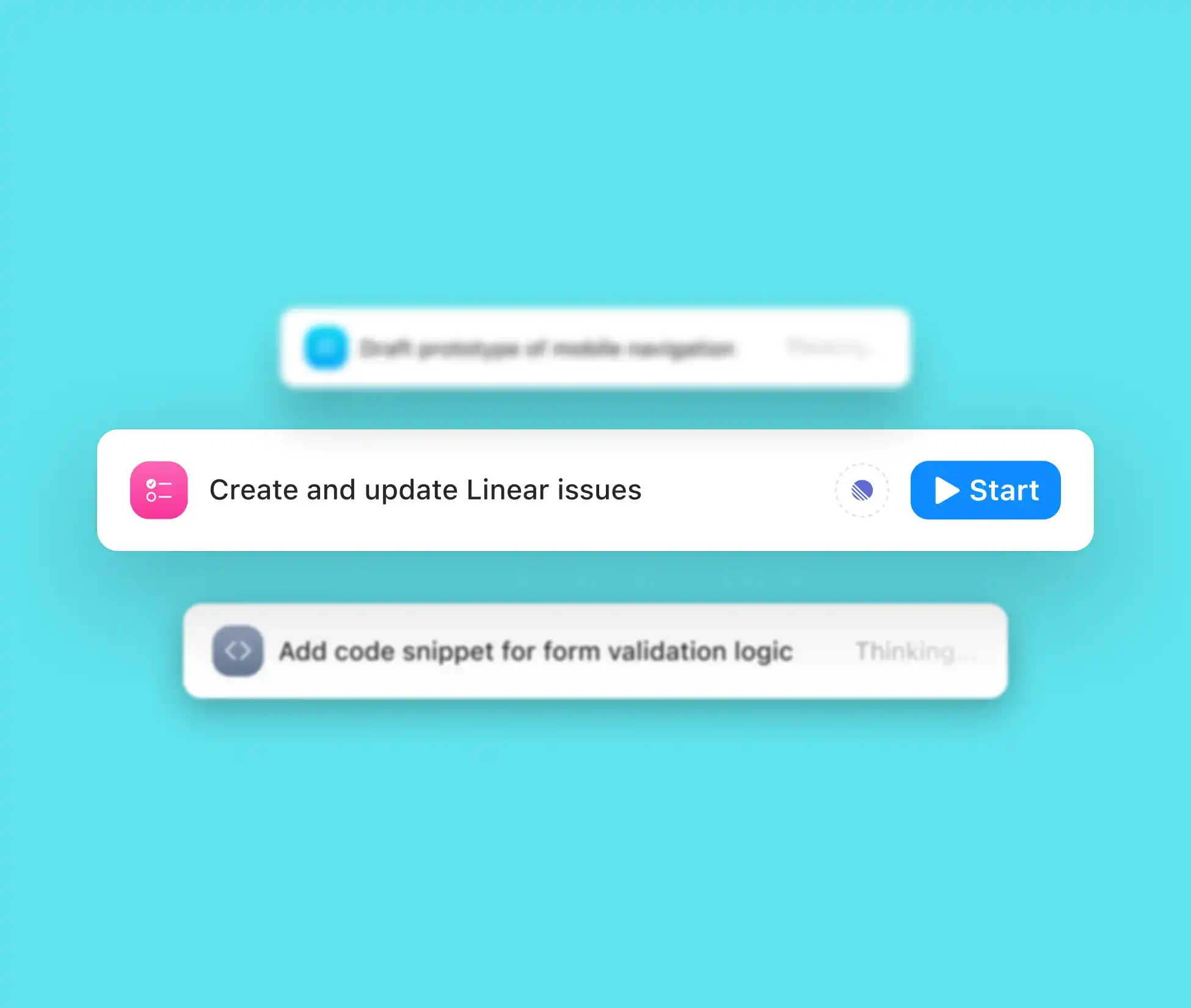
Making updates in other tools, like Linear
Easy to get started
Easy to get started
Setup is simple and fast. Select Cursor as a work tool within Radiant, and begin drafting prompts from your meetings, and moving these straight into Cursor.
Setup is simple and fast. Select Cursor as a work tool within Radiant, and begin drafting prompts from your meetings, and moving these straight into Cursor.
1
Install Radiant for Mac and sign in with your work email.
1
Install Radiant for Mac and sign in with your work email.
1
Install Radiant for Mac and sign in with your work email.
2
Grant microphone and system audio access.
2
Grant microphone and system audio access.
2
Grant microphone and system audio access.
3
3. During onboarding, select Cursor as a tool you use for work.
3
3. During onboarding, select Cursor as a tool you use for work.
3
3. During onboarding, select Cursor as a tool you use for work.
Why Radiant?
Using Radiant with Cursor helps developers generate code and documentation faster, based on collaborative conversations.
Using Radiant with Cursor helps developers generate code and documentation faster, based on collaborative conversations.

Engineering meetings become actionable.
Engineering meetings become actionable.

Accelerate development with ready-to-go prompts.
Accelerate development with ready-to-go prompts.

Streamline documentation in other developer tools like Linear.
Streamline documentation in other developer tools like Linear.
Real-world uses
Radiant’s integration with Cursor supports developer-centric use cases like generating code, writing documentation, and drafting tasks to speed workflows.
Radiant’s integration with Cursor supports developer-centric use cases like generating code, writing documentation, and drafting tasks to speed workflows.
Auto-generate code for new features, based on meeting discussions
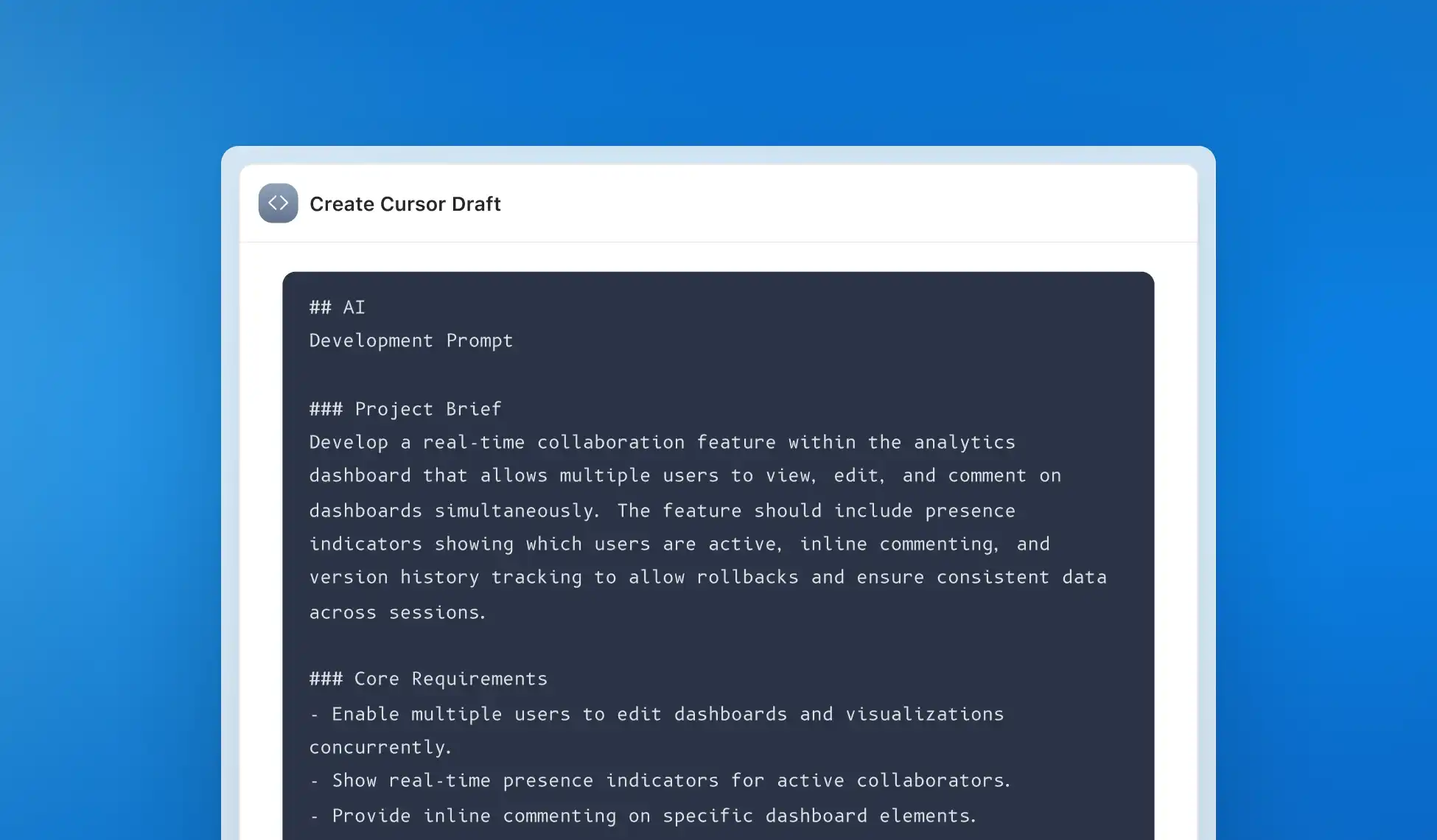
Auto-generate code for new features, based on meeting discussions
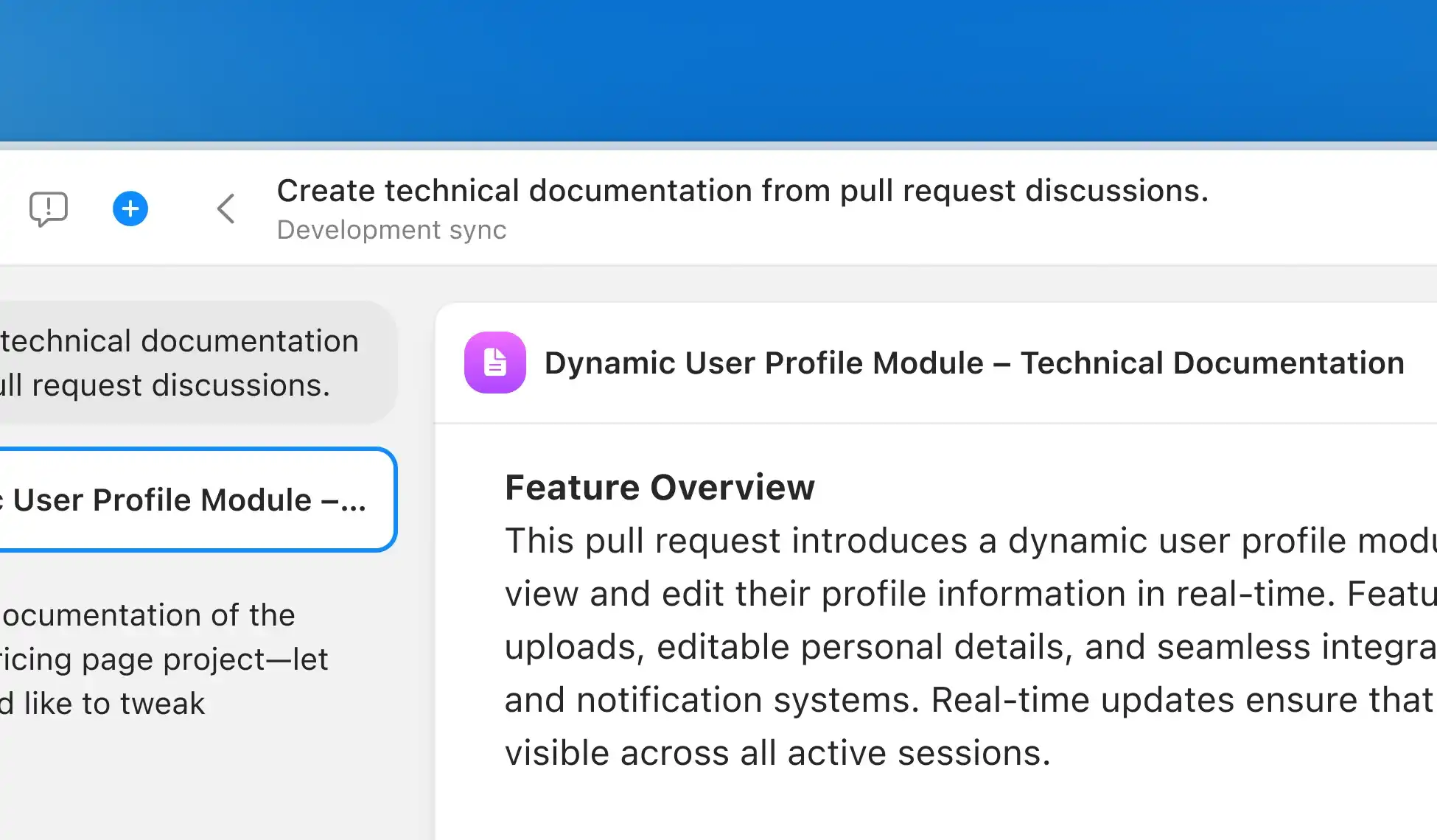
Create technical documentation from pull request discussions
Create technical documentation from pull request discussions

Ready to code directly from your meeting context?
Push requirements, summaries, and next steps straight into Cursor to keep your coding momentum high. Download the Mac app and stay in flow.
Ready to code directly from your meeting context?
Push requirements, summaries, and next steps straight into Cursor to keep your coding momentum high. Download the Mac app and stay in flow.
FAQs

How does Radiant help developers work in Cursor?
How does Radiant help developers work in Cursor?
Can Radiant deliver outputs for other tools as well as Cursor?
Can Radiant deliver outputs for other tools as well as Cursor?
Is Radiant secure?
Is Radiant secure?

“We use Radiant in all our dev stand-ups, and it saves us so much double-work.”
FAQs
How does Radiant help developers work in Cursor?
Can Radiant deliver outputs for other tools as well as Cursor?
Is Radiant secure?
“We use Radiant in all our dev stand-ups, and it saves us so much double-work.”