
The AI personal assistant that turns meetings into completed work
The AI personal assistant that turns meetings into completed work
The AI personal assistant that turns meetings into completed work
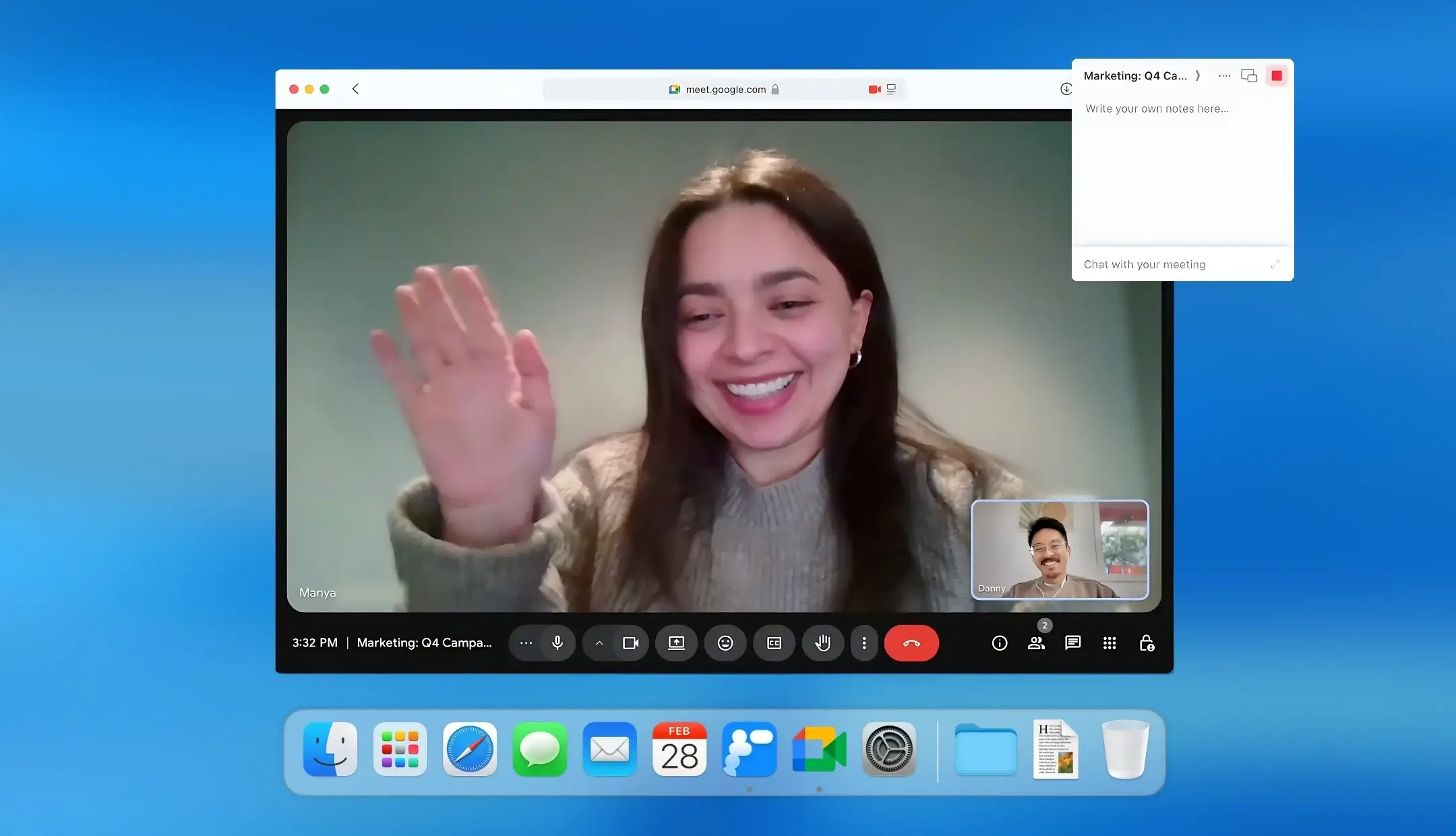
Radiant captures your meetings without a bot, then drafts your notes, summaries, and next steps.
Radiant captures your meetings without a bot, then drafts your notes, summaries, and next steps.
Radiant captures your meetings without a bot, then drafts your notes, summaries, and next steps.
Follow-up emails, docs, Slack updates, and more, all at the touch of a button.
Follow-up emails, docs, Slack updates, and more, all at the touch of a button.
Follow-up emails, docs, Slack updates, and more, all at the touch of a button.
Radiant is a desktop-only app. Get a link via email now to download and use it for free on your computer.
Radiant is a desktop-only app. Get a link via email now to download and use it for free on your computer.


Radiant is free and unlimited during beta.
Radiant is free and unlimited during beta.
Get it now before beta ends!
Get it now before beta ends!
Trusted by 700k+ orgs including









How to use the #1 post-meeting AI assistant
How to use the #1 post-meeting AI assistant
Download the app and connect your calendar
Connect your calendar and select your job role for meeting alerts and tailored next-step suggestions.
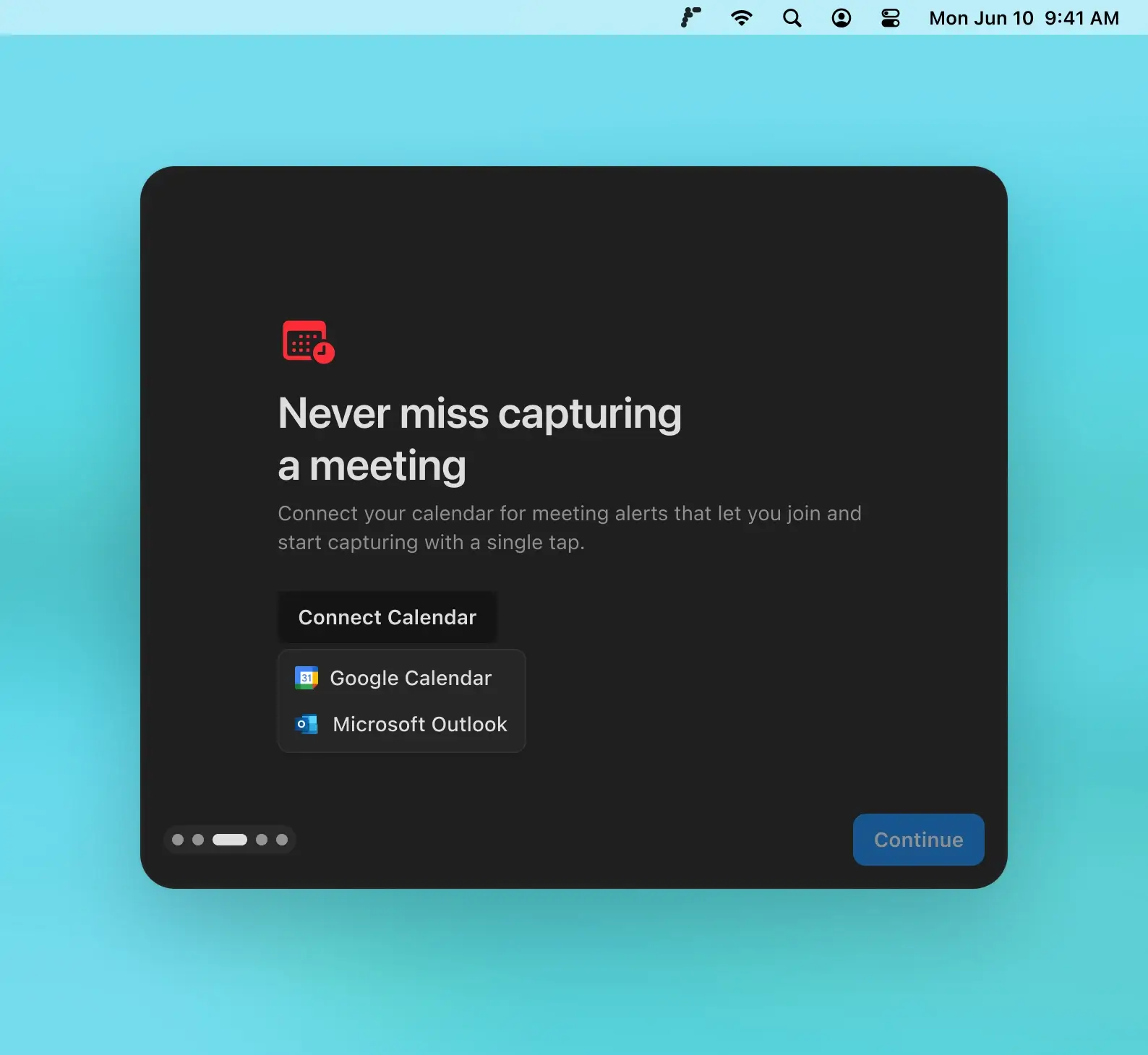
Download the app and connect your calendar
Connect your calendar and select your job role for meeting alerts and tailored next-step suggestions.
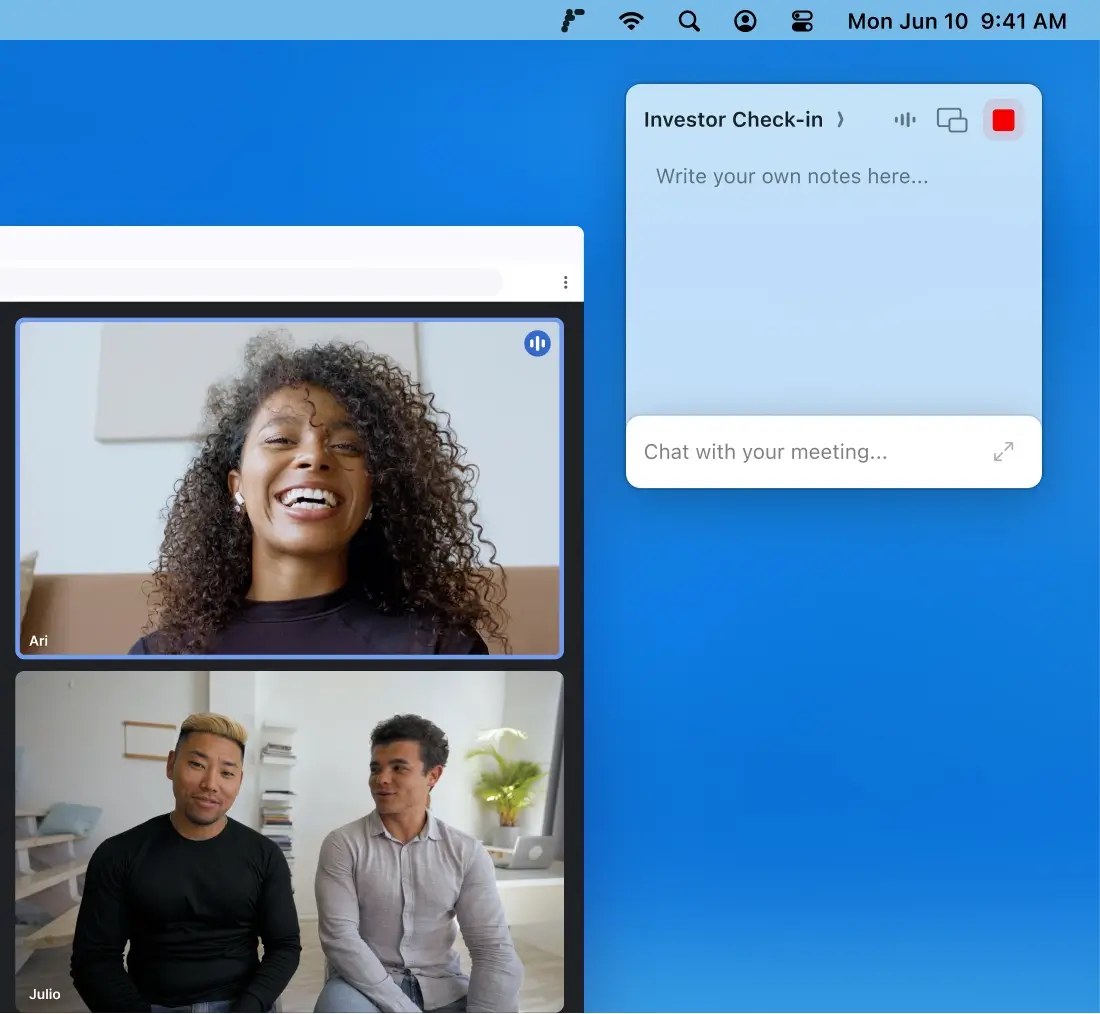
Radiant will capture your next meeting
Radiant reminds you when a meeting is about to start, then automatically captures the discussion, ready to draft your next steps. During meetings you can take your own notes and chat with the meeting.
Radiant will capture your next meeting
Radiant reminds you when a meeting is about to start, then automatically captures the discussion, ready to draft your next steps. During meetings you can take your own notes and chat with the meeting.
After the meeting, Radiant suggests next steps
A meeting summary will automatically show in the app, ready to copy or share. Radiant also suggests and drafts emails, documents, calendar invites, and more. Move these into your work tools with a click to complete your tasks in seconds.

After the meeting, Radiant suggests next steps
A meeting summary will automatically show in the app, ready to copy or share. Radiant also suggests and drafts emails, documents, calendar invites, and more. Move these into your work tools with a click to complete your tasks in seconds.
A new Mac app from Supernormal, the first AI meeting notetaker
Visit Supernormal
Year founded
2020
G2 rating
FAQs
FAQs

How does Radiant capture meetings without a bot?
How does Radiant capture meetings without a bot?
How does Radiant capture meetings without a bot?
How does Radiant suggest and draft next steps?
How does Radiant suggest and draft next steps?
How does Radiant suggest and draft next steps?
Who is Radiant for?
Who is Radiant for?
Who is Radiant for?
How much does Radiant cost?
How much does Radiant cost?
How much does Radiant cost?
Can I use Radiant on my Mac?
Can I use Radiant on my Mac?
Can I use Radiant on my Mac?
What is Radiant?
What is Radiant?